What is a Bluetooth dongle and what is it used for?
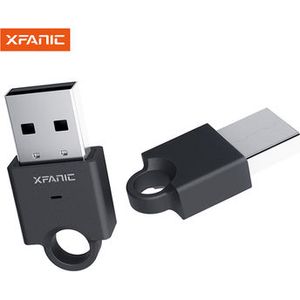
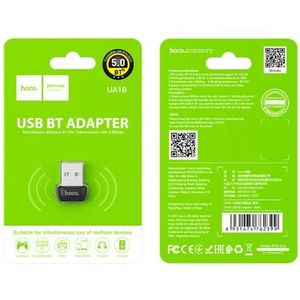
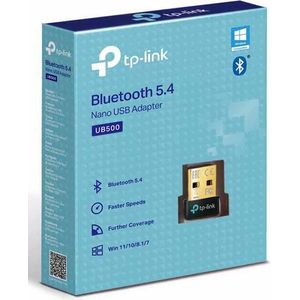
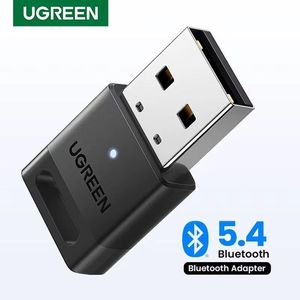
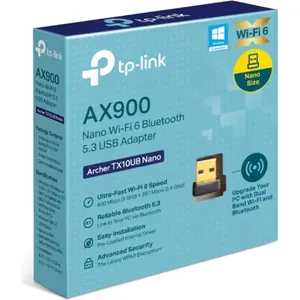
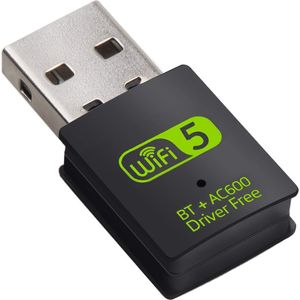
A Bluetooth dongle is a small USB adapter that allows your computer to wirelessly communicate with other Bluetooth-enabled devices, such as headphones, speakers, smartphones, keyboards, or mice.
What is the difference between Bluetooth versions (e.g., 4.0, 5.0, 5.3)?
Newer Bluetooth versions generally offer better range, faster connection speeds, reduced power consumption, and improved connection stability compared to older versions.
Does my computer already have built-in Bluetooth connectivity?
Many modern laptops have Bluetooth built-in. For desktop computers or older models, a USB Bluetooth dongle will be necessary to add this functionality.
How do I install a Bluetooth dongle on my computer?
Installation is usually straightforward. Simply plug the dongle into a USB port on your computer. In most cases, the operating system will automatically install the necessary drivers. If not, an installation CD or a driver download from the manufacturer's website will be required.
What devices can I connect to my Bluetooth dongle?
You can connect a wide range of devices, including wireless headphones and earbuds, Bluetooth speakers, game controllers, smartphones and tablets for file transfer, wireless keyboards and mice, and even some fitness trackers.
What is the range of a Bluetooth dongle and how can I optimize it?
The range varies depending on the Bluetooth version and the quality of the dongle, generally ranging from 10 to 30 meters in open space. To optimize the range, avoid physical obstacles like thick walls and electronic devices that can cause interference (microwaves, 2.4 GHz Wi-Fi).