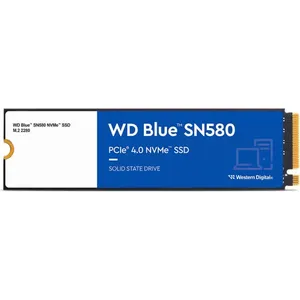
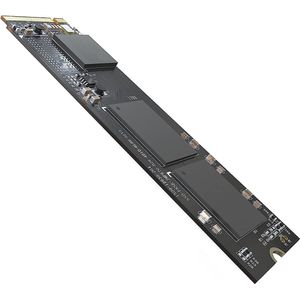
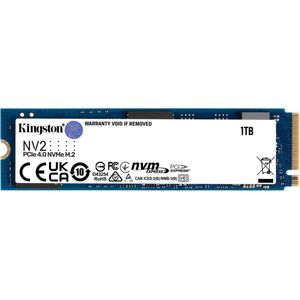
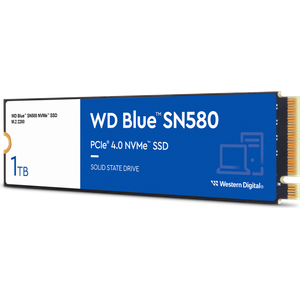
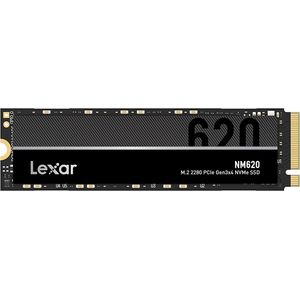
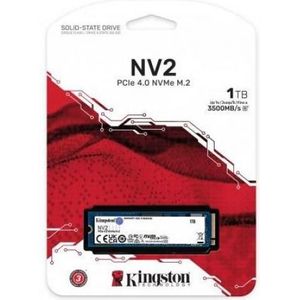
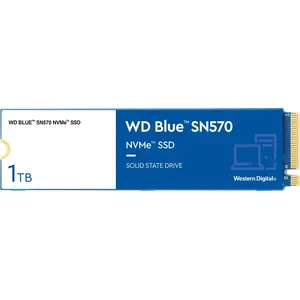
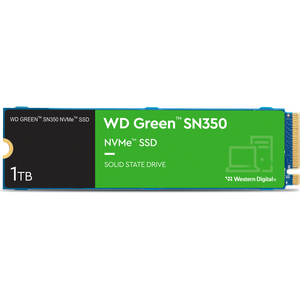
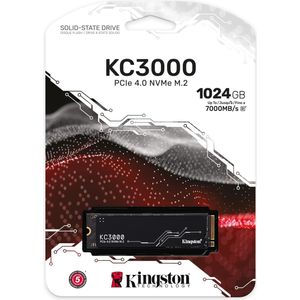
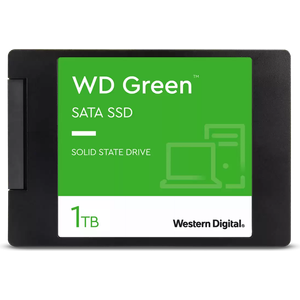
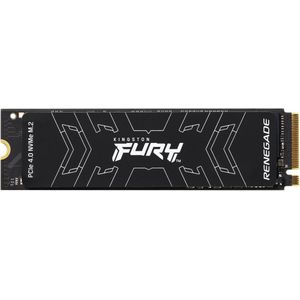
A 1TB NVMe SSD is a type of solid-state drive that uses NVMe (Non-Volatile Memory Express) technology to deliver ultra-fast read and write speeds. With a storage capacity of one terabyte, it is ideal for storing large amounts of data while significantly improving your computer's speed and responsiveness.
What are the advantages of an NVMe SSD compared to a traditional SSD?
An NVMe SSD offers much faster read and write speeds compared to a traditional SSD. This means your computer will boot faster, applications will launch quicker, and file transfers will be significantly faster.
Can I install an NVMe SSD in my laptop?
Yes, you can install an NVMe SSD in your laptop, provided it has a compatible M.2 slot. It is recommended to check your laptop's specifications before purchasing an NVMe SSD.
How do I install an NVMe SSD in my PC?
To install an NVMe SSD, you must first turn off and unplug your PC. Then, open the computer case and locate the M.2 slot on the motherboard. Insert the SSD into the M.2 slot, then secure it with the provided screw. Finally, reassemble the computer case and turn on your PC. Your system should automatically detect the new drive.
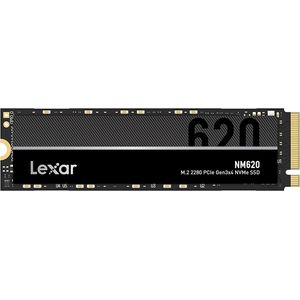
Do I need a special cable for my NVMe SSD?
No, unlike traditional hard drives, NVMe SSDs do not require a cable to connect to your computer's motherboard. They plug directly into an M.2 slot on your motherboard.
How can I transfer my data from my old hard drive to my new NVMe SSD?
To transfer data from your old hard drive to a new NVMe SSD, you can use disk cloning software. This type of software creates an exact copy of your old hard drive onto the new NVMe SSD, allowing you to continue using your computer without interruption.