What types of laptops and desktops in Morocco are compatible with an external DVD/CD drive?
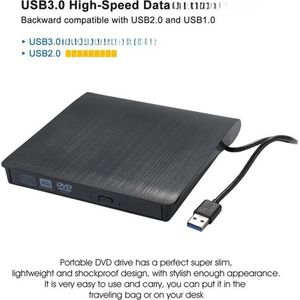
Most modern laptops and desktops sold in Morocco, whether running Windows, macOS, or Linux, are compatible with external DVD/CD drives via a USB connection. Ensure your device has an available USB port.
Do I need to install specific software to use an external DVD/CD drive on my PC or Mac in Morocco?
In most cases, external DVD/CD drives are plug-and-play. Your operating system (Windows or macOS) should recognize it automatically. You may need disc reading software (often pre-installed or available for free) to read the content.
What is the difference between an external DVD drive and an external DVD burner for use in Morocco?
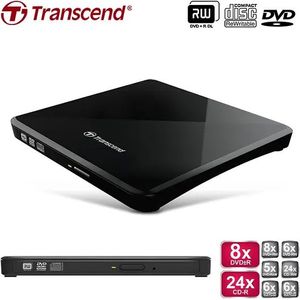
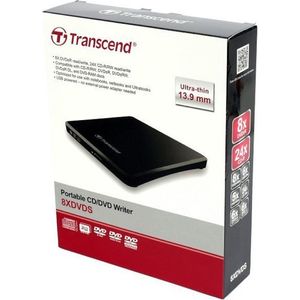
An external DVD drive allows you to read DVD and CD discs. An external DVD burner (often called a drive/burner) can read discs AND burn data onto blank discs (DVD-R, CD-R, etc.). If you need to back up data to discs, opt for a burner.
What is the best connection for an external DVD/CD drive: USB 2.0, USB 3.0, or USB-C?
For Morocco as elsewhere, USB 3.0 and USB-C offer faster data transfer speeds than USB 2.0, which can be beneficial for transferring large files or for a smoother experience when watching videos. USB-C is the most modern and versatile.
Where can I find affordable external DVD/CD drives in Morocco?
You can find a wide range of external DVD/CD drives at competitive prices on our e-commerce website specializing in computers and electronics in Morocco. We offer recognized brands and models to suit all budgets.
Is it still useful to have an external DVD/CD drive in 2023/2024 in Morocco with the rise of streaming and cloud storage?
Although streaming and cloud storage are popular, an external DVD/CD drive remains very useful in Morocco for several reasons: playing movies or music on physical media, installing software delivered on CD/DVD, backing up important data on physical discs, or for old formats that are not yet digitized.