Mini PC
A real desktop PC that hides behind the screen: Core i3 or i5 mini PCs with SSD. HP EliteDesk, Dell OptiPlex, Lenovo. Save space.
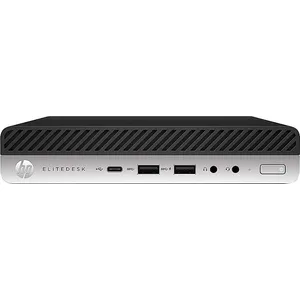
A mini PC offers the performance of a desktop PC in a case barely bigger than a book. It mounts behind a monitor or sits on the desk, and suits office work, a till, a reception desk or a classroom.
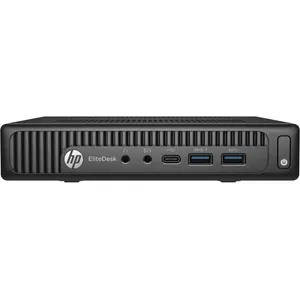
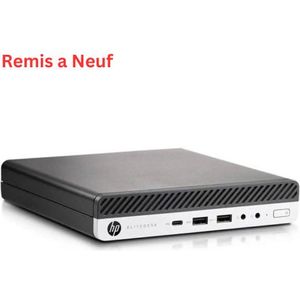
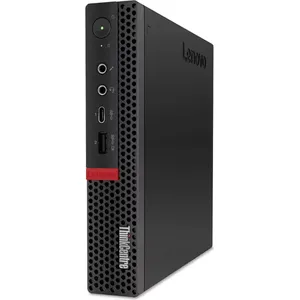
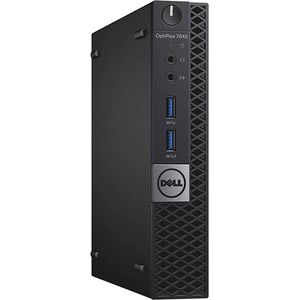
The models offered come from business ranges: HP EliteDesk 800, Dell OptiPlex 7040 and Lenovo ThinkCentre M720q Tiny. Designed to run all day in companies, they are sturdy and easy to maintain.
All have a 256 GB SSD, for fast start-up. « T » processors use little power and run cool. There is no room for a graphics card: a mini PC is not made for recent games. For more power, see the i5 desktop PCs, the i7 desktop PCs or the desktop towers.