What are the advantages of a wireless mouse compared to a wired mouse?
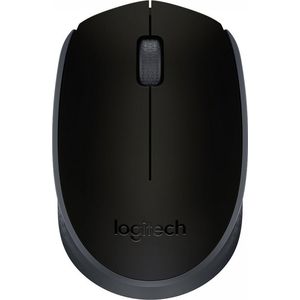
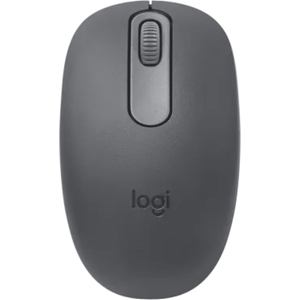
Wireless mice offer greater freedom of movement, reduce desk clutter, and can be more comfortable for extended use. They are ideal for presentations or connecting to a TV.
What type of wireless connection is most common for mice?
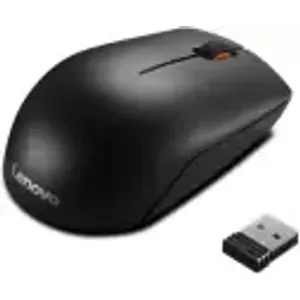
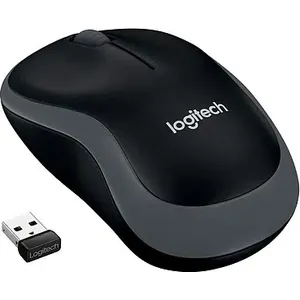
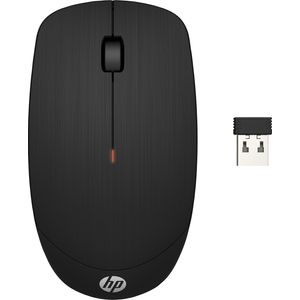
Wireless mice typically use either Bluetooth technology or a USB receiver (dongle) that plugs into a port on your computer. Bluetooth does not require an additional USB port, while the USB receiver is often simpler to set up.
What is the battery life of a wireless mouse and how are they powered?
Battery life varies considerably depending on the model and usage. Most are powered by AA or AAA batteries, with lifespans ranging from a few months to over a year. Some higher-end models are rechargeable via USB.
Do I need to have Bluetooth on my computer to use a wireless mouse?
If you choose a Bluetooth wireless mouse, yes, your computer must have Bluetooth technology. If you opt for a mouse with a USB receiver, you do not need Bluetooth; you just need an available USB port.
Which wireless mouse is best for video gaming?
For video gaming, prioritize wireless mice with low latency, an accurate sensor (high and adjustable DPI), and good responsiveness. Gaming-specific mice often offer programmable buttons and ergonomics designed for comfort during long sessions.
How do I connect my new wireless mouse to my computer?
For a mouse with a USB receiver, simply plug the dongle into a free USB port on your computer. For a Bluetooth mouse, activate pairing mode on the mouse (often via a dedicated button) and search for it in your computer's Bluetooth settings to connect it.