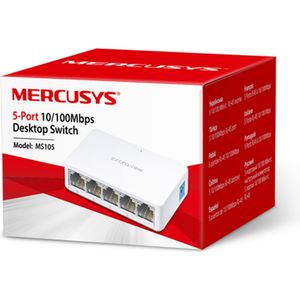
Network Switches
Only one socket on the router? 5, 8 or 24-port switches, 10/100 or Gigabit, PoE for cameras. Wire up the whole house.
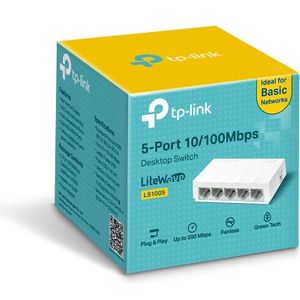
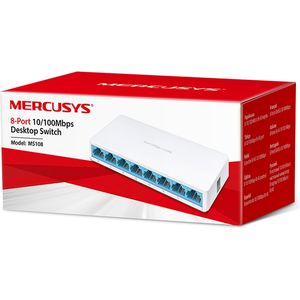
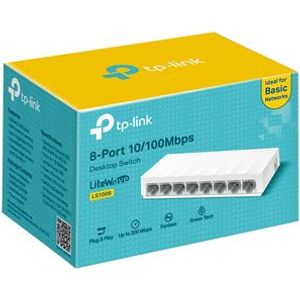
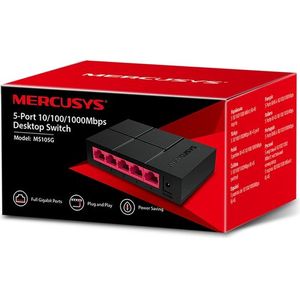
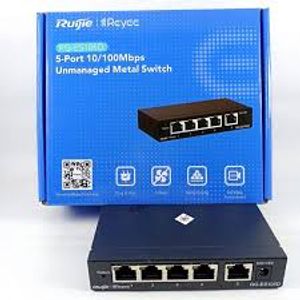
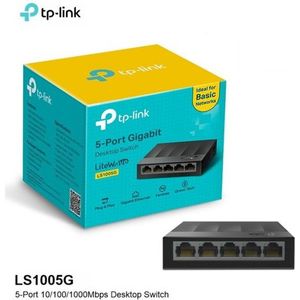
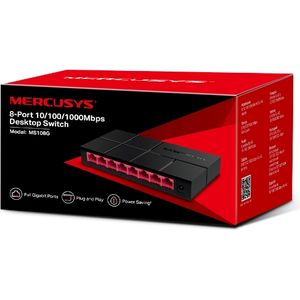
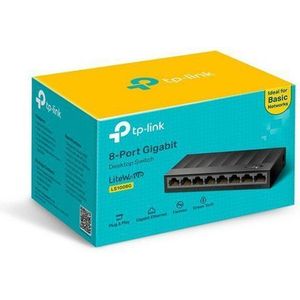
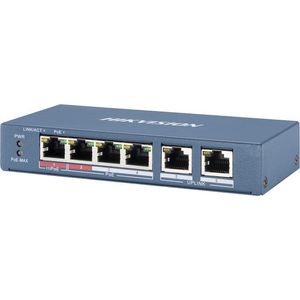
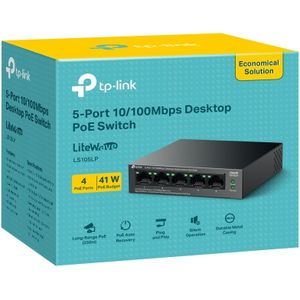
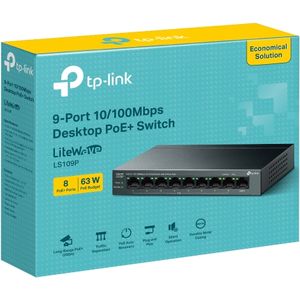
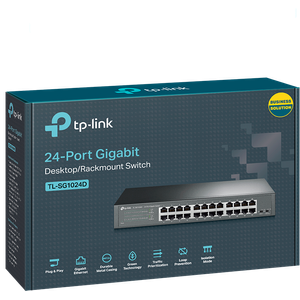
A switch multiplies the Ethernet sockets of your internet box or router so you can wire up computers, cameras, printers or consoles.
One port is used to connect the switch to the router, so count it in your needs.
10/100 Mbps is enough for cameras or a printer. For fibre, file transfers or a NAS, choose a Gigabit model, ten times faster.
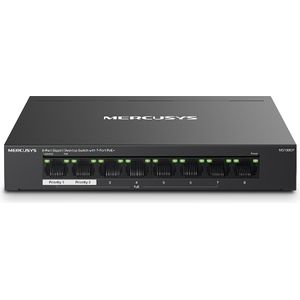
A PoE switch powers IP cameras and access points over the network cable, with no power socket nearby. The Mercusys 8-port with 7 PoE+ ports or the TP-Link LiteWave LS109P suit a video surveillance installation.
Also consider the RJ45 cable and access points. Brands: TP-Link, Mercusys, Hikvision, Ruijie.