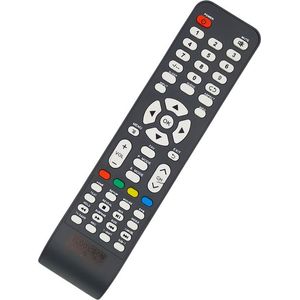
Goldvision Remote Controls
Goldvision receiver or TV with no remote? Smart, LED Yousat or Rifland models to get your channels back. Pick the right one.
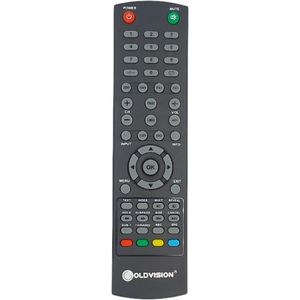
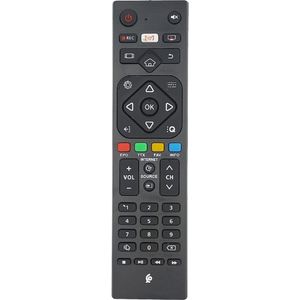
Replacement remote controls for Goldvision receivers and TVs, when the original is lost or broken.
Compare the shape and layout of the buttons with your old remote, or note the reference on the back of the device.
First change the batteries in the old remote and check that the infrared sensor on the front of the receiver is not blocked. A fault often comes from there.
For another TV, see Samsung, LG or other brands remote controls.