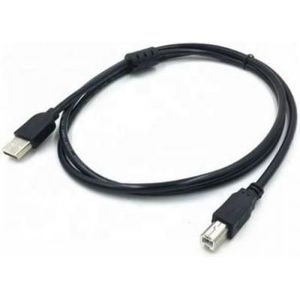
USB Cables
Printer, hard drive or dongle too far from the PC? USB A to B, male-male cables and extensions from 1.5 to 10 m. Plug them in.
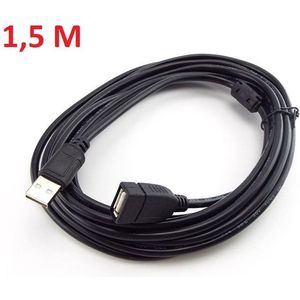
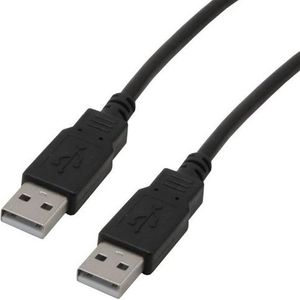
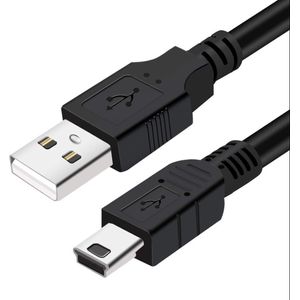
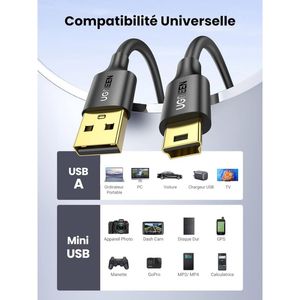
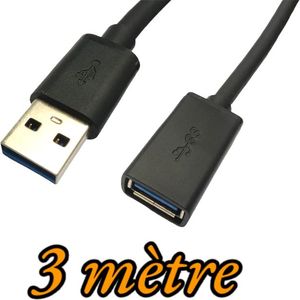
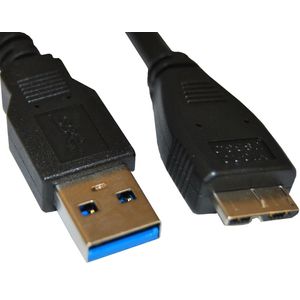

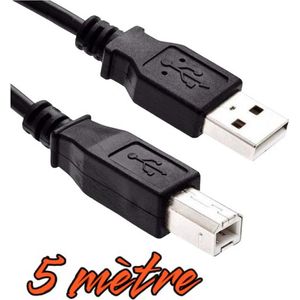
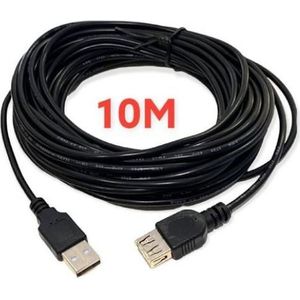
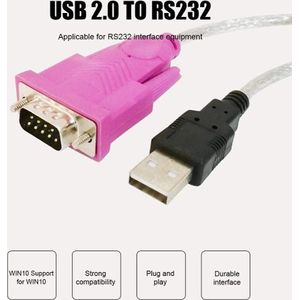
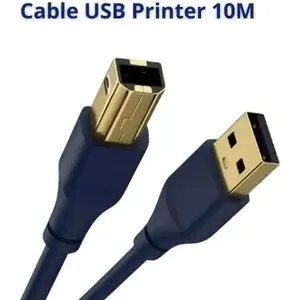
The cables in this category connect a computer to a printer, a hard drive or another USB device, or extend a connection that is too short. The right choice depends on the connectors at both ends and the length.
USB 3.0 (often a blue connector) transfers much faster than USB 2.0. It is only useful if both devices are USB 3.0, for example a recent hard drive. For a printer, USB 2.0 is enough.
Beyond 5 m, the USB signal can weaken. A 10 m cable works well with a printer, but less well with a data-hungry device.
To connect a USB stick to a smartphone, see OTG adapters. For a monitor, HDMI adapters. The whole cables and adapters category.