PC Components
SSD, RAM module, hard drive or graphics card: give your PC a second life, or build your own piece by piece.
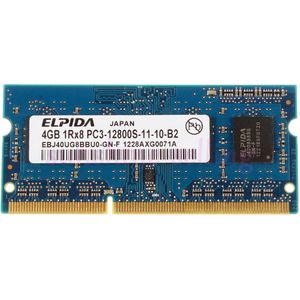
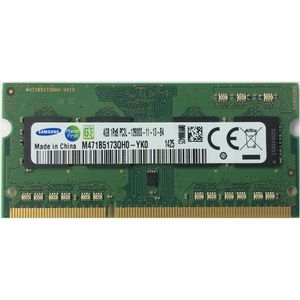
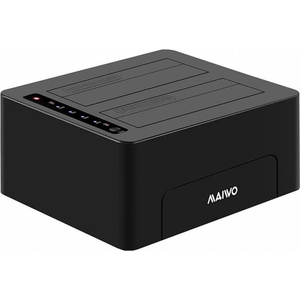
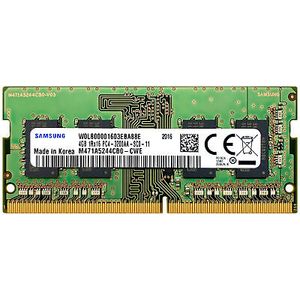
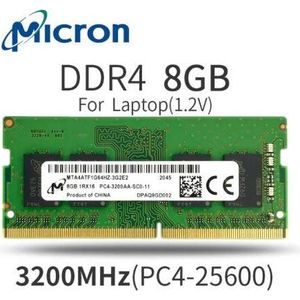
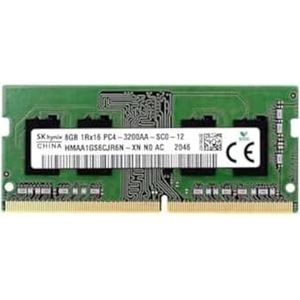
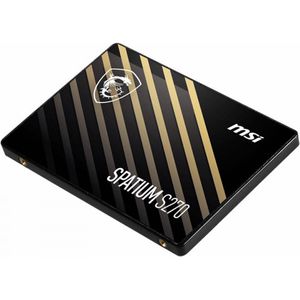
Changing a component often gives a computer a second life. The most noticeable upgrade remains switching to an SSD, followed by adding RAM. This section brings together internal storage, RAM and graphics cards.
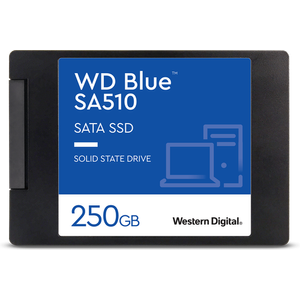
The most universal format: it replaces a conventional hard drive in a laptop or desktop PC, with the same connector. Kingston A400, Crucial BX500, Samsung 870 EVO, WD Blue SA510 or Hikvision Desire come from 240 GB to 2 TB. Booting and opening software become much faster than with a mechanical drive.
A small stick screwed onto the motherboard, clearly faster than a SATA SSD. First check that the computer has an NVMe-compatible M.2 slot.
The Hikvision E100N has the M.2 format but a SATA interface: check it against the slot.
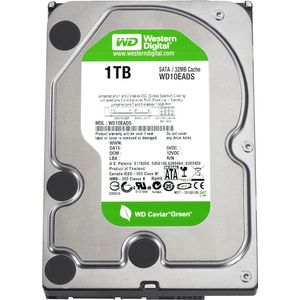
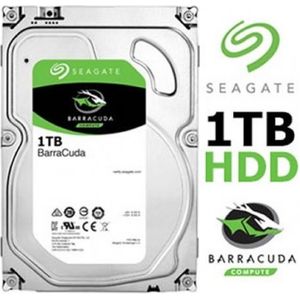
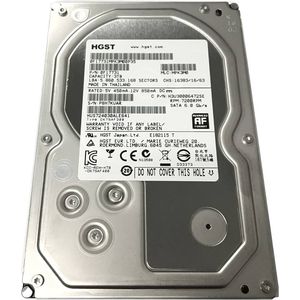
To store lots of files at lower cost, a 3.5-inch Seagate or Western Digital drive, from 500 GB to 3 TB, goes in as a second drive in a tower. See the internal hard drives.
The memory stick must match the computer: DDR3 or DDR4, laptop or desktop format. 8 GB is today a comfortable minimum on Windows.
For gaming, the GIGABYTE GeForce RTX 5070 Windforce OC SFF 12 GB graphics card also targets compact cases.
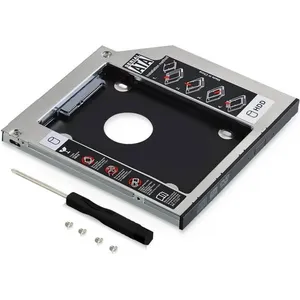
Finally, an adapter lets you fit a drive in place of a laptop's DVD drive. For external drives, see storage. If the machine is too old to upgrade, a complete desktop PC may work out cheaper, and the monitor, keyboard and mouse are in PC peripherals.