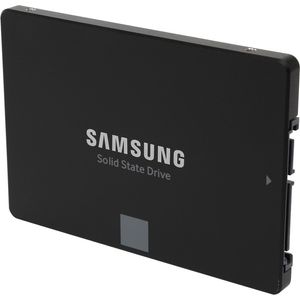
SSD SATA
A PC slow to start? A 2.5 inch SATA SSD brings back the speed: Kingston, Samsung, WD, Crucial, Lexar. Switch to SSD.
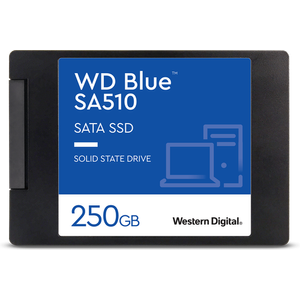
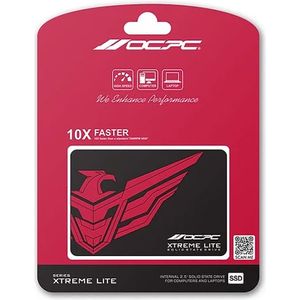

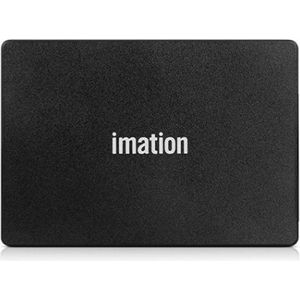



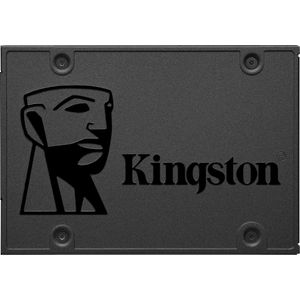
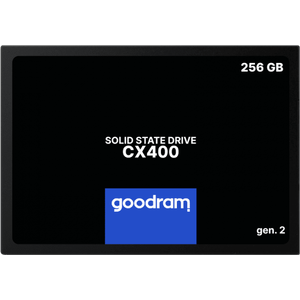
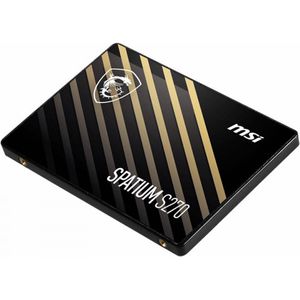
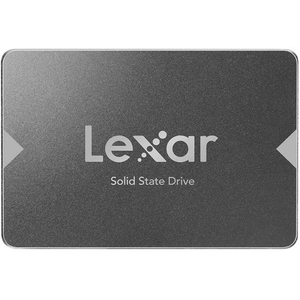
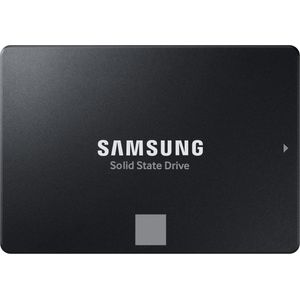

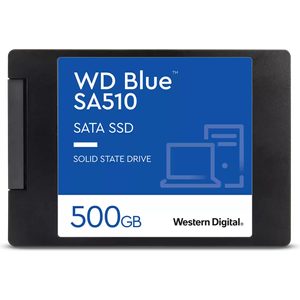
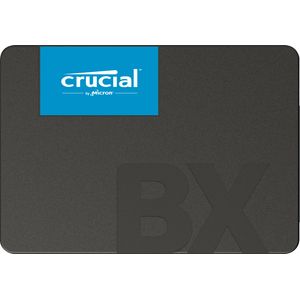
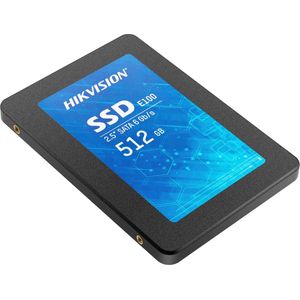
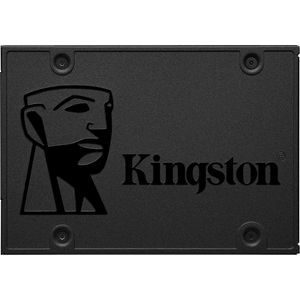
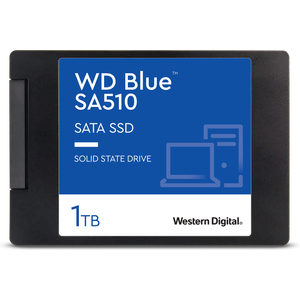
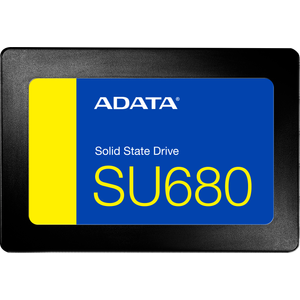

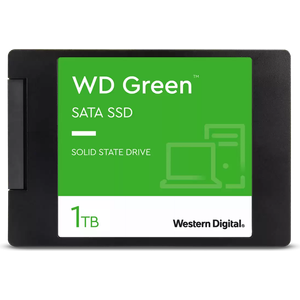
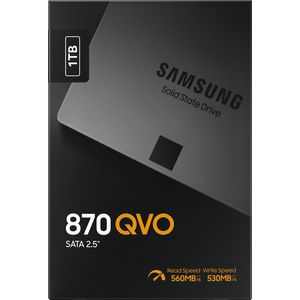
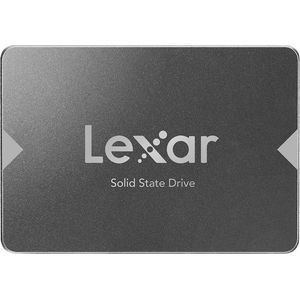
The 2.5-inch SATA SSD replaces the hard drive in a laptop or desktop PC. Booting, opening software and copying files become much faster: it is the most effective upgrade for a computer that is a few years old.
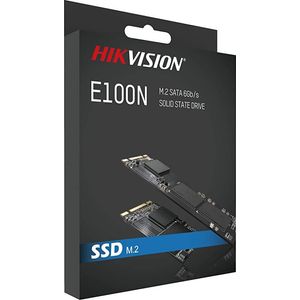
It fits in place of a 2.5-inch drive in a laptop, or in a desktop PC bay, using the same SATA cable. If the motherboard has an M.2 slot, look instead at the faster NVMe SSDs, or at M.2 SATA drives such as the Hikvision E100N.
The SATA III interface tops out at around 550 MB/s, so the difference between two SATA SSDs is barely noticeable in daily use. To store large amounts of data on a desktop PC, a 3.5-inch HDD remains a good complement. All models are in Internal hard drives.
Brands available: Kingston, Samsung, Western Digital, Crucial, Lexar, Hikvision, ADATA, Goodram and MSI.