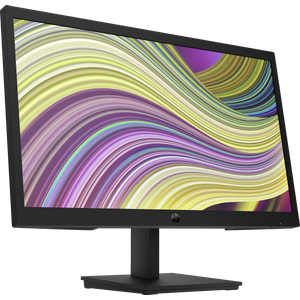
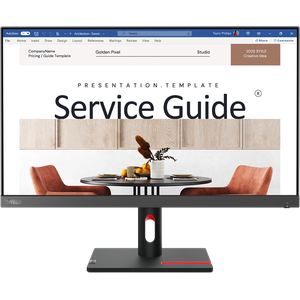
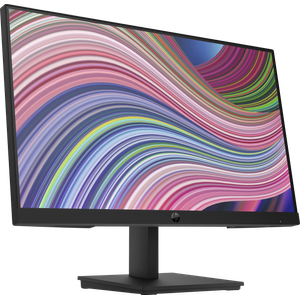
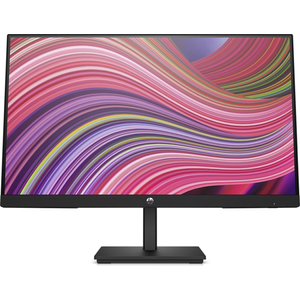
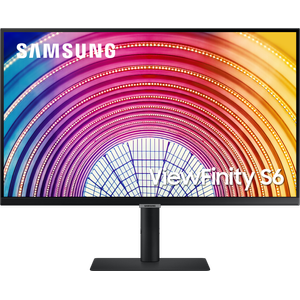
Flat or curved, Full HD, QHD or 4K, gaming or Smart Monitor: compare our PC monitors and find the one you need.
No products match these filters.
Frequently Asked Questions
Full HD, QHD or 4K?
IPS, VA or TN?
Flat or curved?
60, 100 or 165 Hz?
HDMI or DisplayPort?
What is a Smart Monitor?
How to choose a PC monitor?
A monitor is chosen according to use: office work, studies, gaming or creative work. Four criteria matter more than the others.
Size
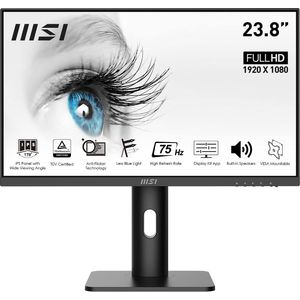
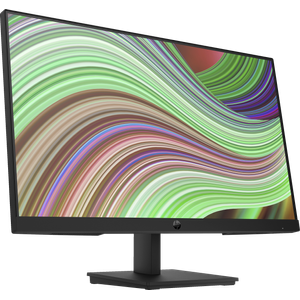
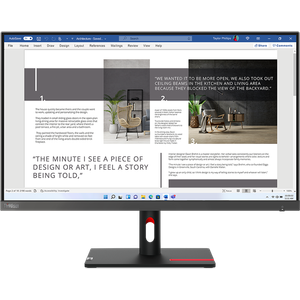
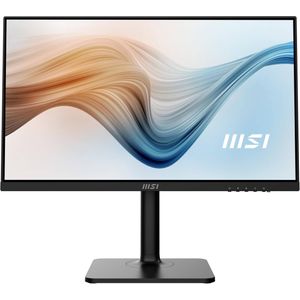
- 21.5 to 24 inches: for a narrow desk or office work, like the HP P22v G5, the Lenovo ThinkVision S24i-30 or the MSI PRO MP243P. See the 24-inch monitors.
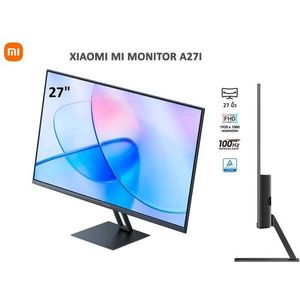
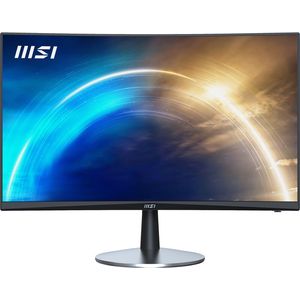
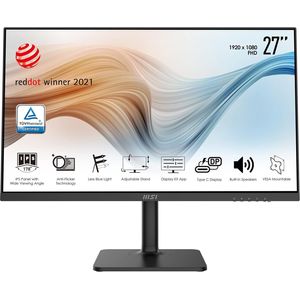
- 27 inches: the most versatile size, with the HP V27i G5, the MSI Pro Modern MD271P or the Xiaomi A27i. See the 27-inch monitors.
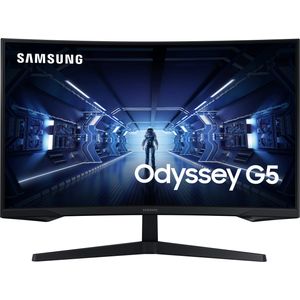
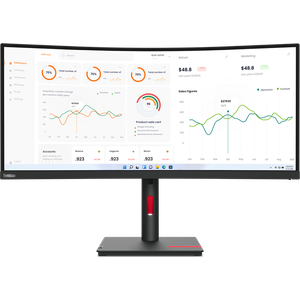
- 32 and 34 inches: for multitasking and gaming, like the Samsung Odyssey G5 or the Lenovo ThinkVision T34w-30.
Resolution
- Full HD (1920 x 1080): sharp up to 24 inches, acceptable at 27 inches.
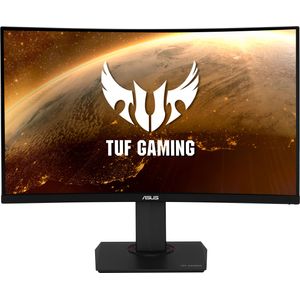
- QHD or WQHD (2560 x 1440): finer at 27 and 32 inches, like the Lenovo T27hv-20 or the Asus TUF Gaming VG32VQR.
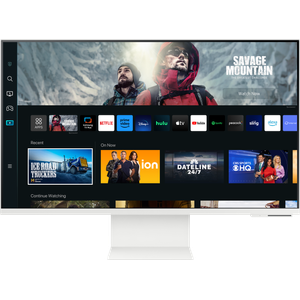
- 4K Ultra HD: for photo and video, with the Samsung Smart M8 M80C.
Refresh rate and curved screens
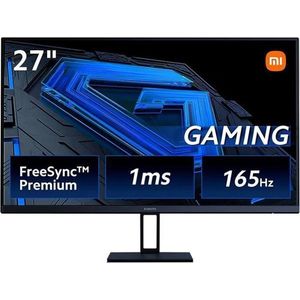
For gaming, the refresh rate makes the picture smoother: 165 Hz on the Xiaomi G27i, 100 Hz on the Xiaomi A27i, compared with 60 Hz for a standard office monitor. A curved screen wraps around your field of view better at large sizes: 1000R curvature on the Odyssey G5, 1800R on the Asus TUF.
Extra features
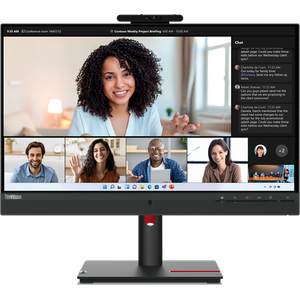
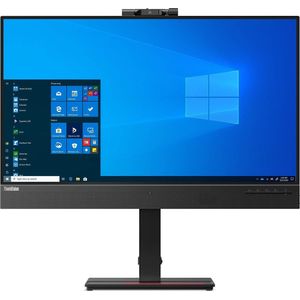
- Built-in webcam: Lenovo ThinkVision T24mv-30 and Samsung M8, handy for video calls.
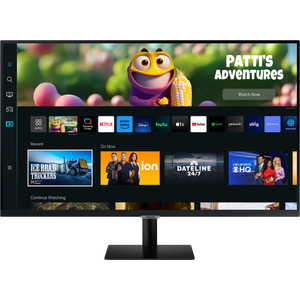
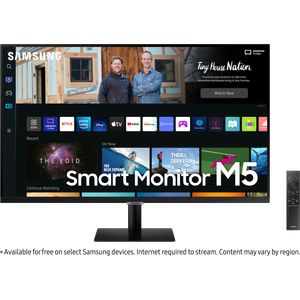
- Smart Monitor: the Samsung M5, M8 and S5 run video apps without a PC, like a TV.
- Connectivity: check the monitor's HDMI and DisplayPort inputs against your PC's output. A USB hub helps if your laptop only has USB-C.
To complete the setup: mice, keyboards, PC headsets, keyboard and mouse combo and other PC peripherals.
Brands: Samsung, Lenovo, HP, MSI, Xiaomi, Asus.