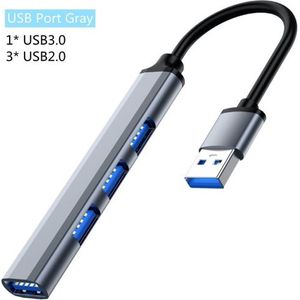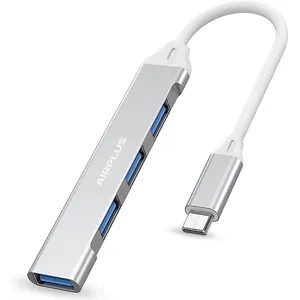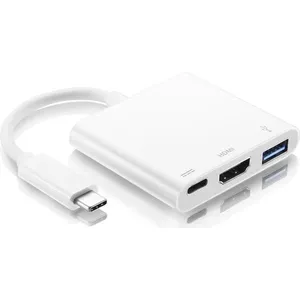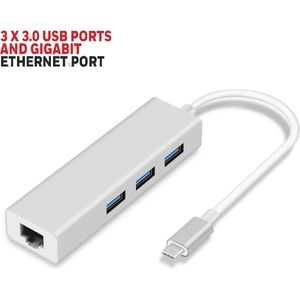
More ports for your laptop: USB 2.0 or 3.0 hubs, USB-C adapters with HDMI, RJ45 or SD reader. Plug everything in.
No products match these filters.
Frequently Asked Questions
USB hub or multiport adapter?
USB-A or USB-C?
Can it charge my laptop?
Does it need a driver?
Why does my hard drive drop out on the hub?
Which USB hub or multiport adapter to choose?
A hub adds ports to a computer that lacks them, especially recent laptops that sometimes only have USB-C. Start by checking the free port on your PC.
Classic USB-A hub
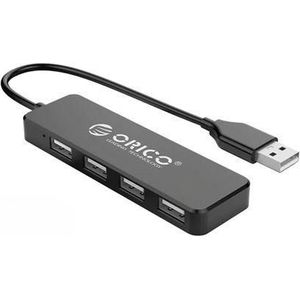
- USB 2.0: the 4-port Orico is enough for a mouse, a keyboard or a printer.
- USB 3.0: the 4-port Plustar transfers much faster, useful for external hard drives and USB flash drives.
USB-C multiport adapter
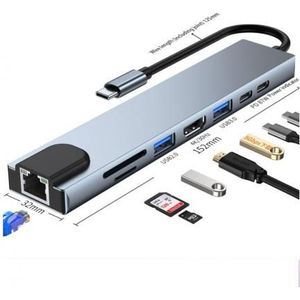
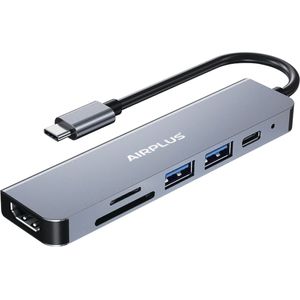
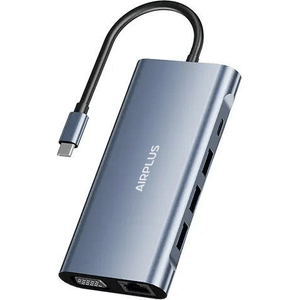
It brings several connectors together in a single housing: from the Airplus 4-in-1 to the 6-in-1 and 11-in-1, or the Hub Type-C to HDTV 11 in 1.
- HDMI: to connect a monitor or a TV. The PC's USB-C port must support video output.
- RJ45: a wired network socket, as on the TP-Link Hub USB 3.0 Gigabit 3 ports or the Type C 3-port + Ethernet adapter.
- PD: on the 8-in-1 adapter, the PD port lets you charge the laptop at the same time.
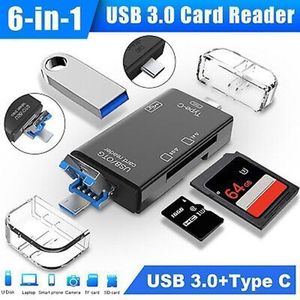
- SD/TF reader: for camera cards. The 6-in-1 OTG card reader also does this on Android.
To complete the desk: mice, keyboards and other PC peripherals.
Brands: TP-Link, Orico, Plustar, Airplus.