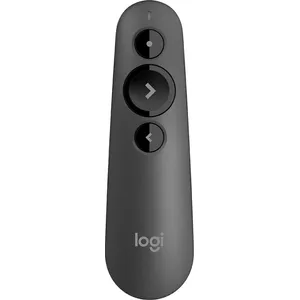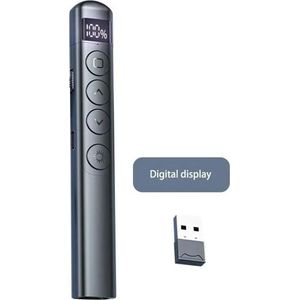
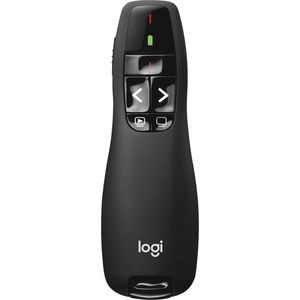
Move through your slides from the back of the room: laser presentation remotes, Logitech or rechargeable. Take control.
No products match these filters.
Frequently Asked Questions
Is the laser dangerous for the eyes?
Does the dot show on a TV?
Do I need to install software?
Is a rechargeable one practical?
Which laser pointer should you choose for your presentations?
A presentation pointer lets you advance PowerPoint slides remotely and point to a spot on the screen, without staying behind the computer.
Features to compare
- Remote and laser: the Logitech R400 and Logitech R500s combine next and previous buttons, a red laser and a wireless receiver.
- Connection: the R500s can connect via Bluetooth or a USB receiver, handy on a laptop with no free port.
- Battery: the USB rechargeable pointer saves you from changing batteries before every meeting.
Air mouse
The Air remote mouse with gyroscope and voice search moves the cursor as you move your hand. It is mainly used to control a TV box or a PC connected to the television.
To complete the workstation, see mice, USB hubs and all PC peripherals.