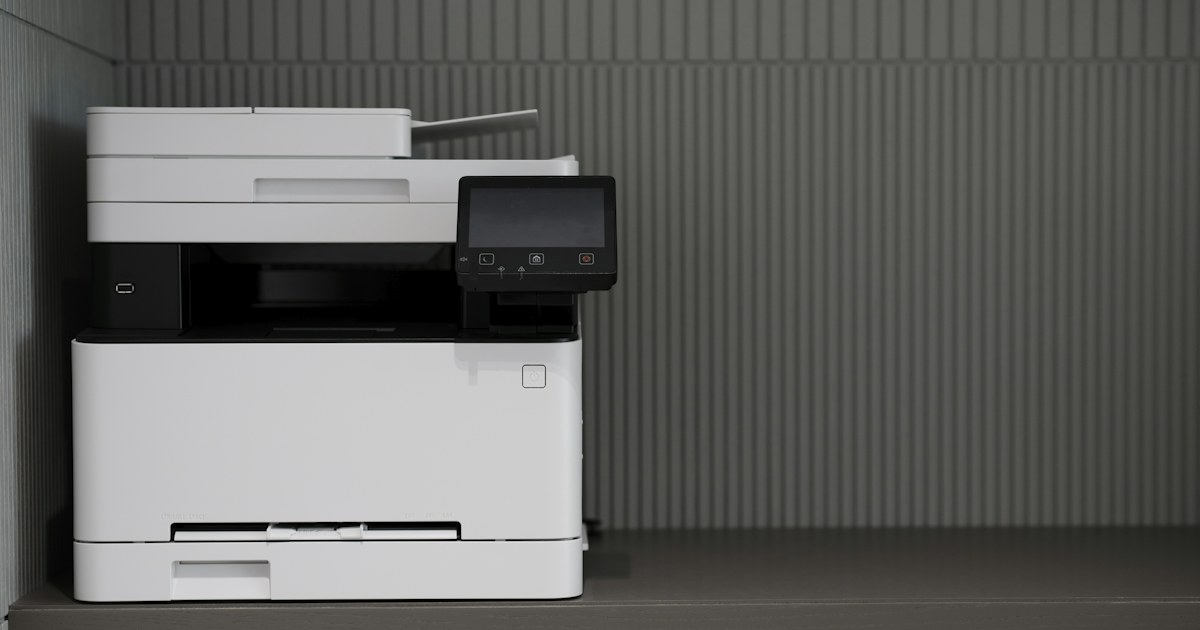
An ink-tank printer (Epson EcoTank, Canon MegaTank, HP Smart Tank) or a laser printer? Both promise a low cost per page, but not for the same kind of use. The right choice comes down to three things: how many pages you print each month, whether you need colour, and how often the printer sits unused.
Two technologies, two consumables
An ink-tank printer is an inkjet. Instead of cartridges it has visible tanks that you refill from bottles of ink. The ink is liquid and goes through a print head made of very fine nozzles.
A laser printer uses toner, a dry powder. An electrically charged drum picks up the powder where it is needed, then a fuser bonds it to the paper with heat. The sheet comes out dry and the text does not smear under a highlighter.
That difference explains almost everything else: ink can dry out, toner cannot. Ink is better for photos, toner is better for text.
Cost per page: what actually matters
The price of the printer tells you nothing about what it costs to run. Look at the price of a set of consumables and how many pages it prints, called the yield. Yield is measured on a standard page with low coverage, closer to a letter than a poster. A page with a large photo uses far more.
- Ink tanks: ink bottles print a lot of pages for their price, in black and in colour. This is the lowest colour cost per page of the two technologies.
- Mono laser: one black toner, a fixed yield, and no ink lost to cleaning cycles. For black text the cost stays low and, above all, predictable.
- Colour laser: four toners (black, cyan, magenta, yellow), each replaced in turn. A colour page costs clearly more than on an ink-tank printer.
Before buying, note the consumable reference on the product page and check it is easy to find. For example, the HP LaserJet M111w uses HP 150A toner, and the HP Smart Tank 580 takes GT53XL bottles for black and GT52 for colours.
Print volume and recommended monthly volume
Spec sheets often give a recommended monthly volume. It is not a maximum, it is the range in which the machine works without wearing out too fast. The HP LaserJet M111w states 100 to 1,000 pages a month. The HP LaserJet Pro 4003dn states 750 to 4,000 pages a month, with automatic duplex and a Gigabit Ethernet port for sharing it in an office.
Speed is given in ISO pages per minute, a standard measurement on a reference document. An entry-level laser such as the HP Laser 107a runs at 20 pages per minute. An ink-tank model such as the Epson EcoTank L3251 states 10 pages per minute in black and 5 in colour. On a 50-page document the gap shows.
A simple rule: beyond a few hundred pages of text a month, a mono laser becomes the more comfortable choice. It is faster, the first page comes out quickly and the paper is dry.
Colour or black and white
If you mostly print course notes, invoices, contracts or a thesis, you will rarely need colour. A mono laser printer does that job with a single consumable.
If you print illustrated presentations, activity sheets for children or photos, an ink-tank inkjet gives smoother gradients. The Epson EcoTank L3251 states up to 5,760 x 1,440 dpi. That figure (dots per inch) describes how finely droplets are placed, not a guaranteed result: the paper matters as much as the resolution.
A colour laser printer makes sense for colour office documents: charts, logos, quotes with a letterhead. It is weaker at photos on photo paper. The HP 150nw, for example, prints 18 pages per minute in black but 4 in colour.
Ink drying out: the real weak point of ink tanks
An inkjet left unused for several weeks can get clogged nozzles. The symptoms are familiar: white horizontal lines, a missing colour, faded black. The printer then runs cleaning cycles that use up ink. If the problem persists, a deep clean is needed, sometimes work on the print head.
Climate plays a part too: a hot, dry room, or a printer near a sunny window, speeds up drying.
Habits that prevent it:
- Print a page using all four colours at least once a week.
- Turn the printer off with its own button, not at the power strip, so it parks the head in its protected position.
- Run a nozzle check before a large job after a long break.
- Use the ink reference the manufacturer specifies.
Toner does not dry. A laser left idle for three months prints normally from the first page. For irregular use, such as a few admin documents each quarter, this is the strongest argument for laser.
Multifunction: copy, scan, feeder and Wi-Fi
Most ink-tank printers sold today are already multifunction: print, copy and scan. With laser you have to choose. The HP LaserJet M111w only prints, the HP LaserJet M141w adds copy and scan. Multifunction laser printers have their own category.
What to check on the spec sheet:
- Automatic document feeder: useful to scan or copy a multi-page file without placing each sheet by hand. The HP Laser MFP 137fnw has a 40-sheet feeder and also faxes.
- Wi-Fi: essential for printing from a phone. The Canon PIXMA G2430 connects by USB only, while the HP Smart Tank 580 and Epson EcoTank L3251 have Wi-Fi.
- Duplex: manual means you flip the stack yourself, automatic means the machine does it, as on the HP LaserJet M211dw.
- Paper tray: 100 sheets on small ink-tank models, 150 on entry-level lasers, 350 on the LaserJet Pro 4003dn.
All multifunction printers in stock are grouped in one category, inkjet and laser together.
Comparison table
| Criterion | Ink-tank printer | Mono laser | Colour laser |
|---|---|---|---|
| Consumable | Ink bottles | 1 black toner | 4 toners |
| Black cost per page | Low | Low | Medium |
| Colour cost per page | Lowest | No colour | High |
| Photos | Good | No | Acceptable |
| Irregular use | Risk of clogged nozzles | No issue | No issue |
| Text speed | Slow to medium | Fast | Fast in black |
| Page on exit | Ink needs a few seconds to dry | Dry | Dry |
Our advice by use case
- Family with school-age children, projects and photos, printing every week: an ink-tank model with Wi-Fi, such as the Epson EcoTank L3251 or HP Smart Tank 580.
- A few documents a month, printer often switched off: mono laser. The HP LaserJet M111w if you print from your phone, the HP Laser 107a over USB if the printer sits next to the computer.
- Student printing hundreds of pages of notes and a thesis: mono laser with automatic duplex, such as the HP LaserJet M211dw, to halve paper use.
- Small office scanning files: multifunction laser with a feeder, such as the HP Laser MFP 137fnw.
- Shared office, heavy text volume: the HP LaserJet Pro 4003dn on the network.
- Colour business documents, few photos: colour laser. Otherwise an ink-tank printer is cheaper for colour, as long as you use it every week.
If you are still unsure, ask one question: will I print at least one page a week? If yes, ink tanks pay off. If not, choose a laser.


