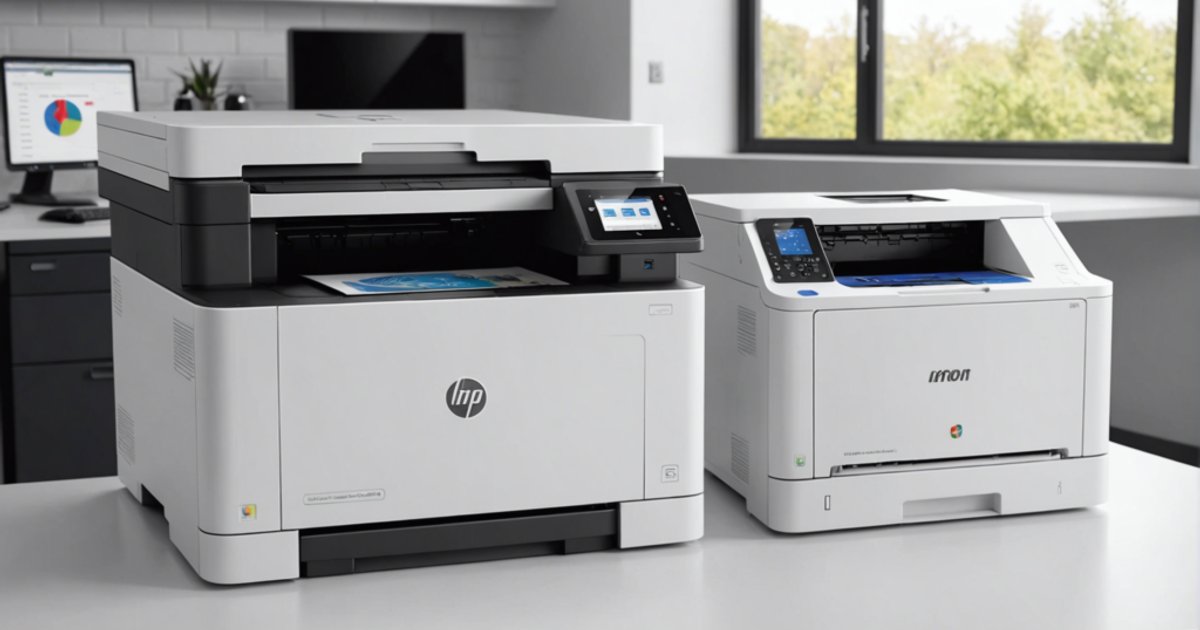
A monochrome laser printer prints in black with a single toner cartridge. A colour laser uses four. That one difference explains almost everything else: what consumables cost, what each page costs, how fast it prints and how much upkeep it needs. Here is how to compare the two properly.
How a laser printer works
A laser beam draws the page onto a light-sensitive drum. Toner, a very fine powder, sticks to the charged areas and is then transferred to the paper. The fuser unit melts it and presses it into the sheet using heat and pressure. The page comes out dry, and the text does not smudge with water or a highlighter.
A mono printer runs this cycle with one black toner. A colour printer layers four: black (K), cyan (C), magenta (M) and yellow (Y). That means four cartridges and often more wear parts.
Mono vs colour at a glance
| Criterion | Mono laser | Colour laser |
|---|---|---|
| Toner cartridges | 1 (black) | 4 (black, cyan, magenta, yellow) |
| Cost of a text page | Lowest | Close if only black is used, but the black cartridge is often smaller |
| Cost of a colour page | Not possible | Sum of the cost of all four toners |
| Speed | One pages-per-minute figure | Two figures, and colour can be much slower |
| Upkeep | One cartridge to track | Four cartridges that run out at different times |
| Typical uses | Text, invoices, contracts, course notes, forms | Charts, plans, client handouts, documents with a logo |
Cost per page: the sum to do
Over time, toner matters more than the printer’s own price. The sum is simple: toner price divided by its yield. Yield is quoted in pages at 5% coverage, under ISO/IEC 19752 for black and ISO/IEC 19798 for colour. A 5% page is roughly a short letter, not a busy document.
For a colour page, add up the cost per page of all four toners. Take the HP 150nw colour laser, which uses HP 117A toner. In compatible form, the HP 117A black is rated at 1,000 pages and the HP 117A cyan, like magenta and yellow, at 700 pages. Every colour page draws on four cartridges at once.
Another point people miss: on small colour lasers, the black cartridge has a lower yield than on a mono printer in the same range. Printing mostly text on a colour machine therefore costs more. Some colour printers also use a little toner during their calibration cycles.
How many toners, and which ones
Before buying, write down the exact toner reference and check that it is in stock, original or compatible. A few examples from the models on sale:
- The HP Laser 107w mono Wi-Fi printer takes a single toner, the HP 106A.
- The HP LaserJet M211dw with automatic duplex uses HP 136A or 136X. The compatible HP 136A toner is rated at 1,150 pages.
- The HP 150nw needs four HP 117A cartridges, and the HP LaserJet Pro M255dw colour printer uses HP 207A or 207X.
The cartridge that comes with a new printer is often a starter cartridge, filled less than a standard one, so expect the first replacement sooner than you think. Laser toners and HP-compatible toners are listed by reference, so you can check availability before choosing the printer.
Speed: read both figures
Speed is given in pages per minute under the ISO standard, on A4. A mono printer has one figure: 20 ppm for the HP 107w, 29 for the M211dw, 40 for the HP LaserJet Pro 4003dn aimed at offices that print a lot.
On a colour model, look at both values. The HP 150nw prints 18 ppm in black but 4 in colour. The M255dw holds 21 ppm in both modes. If you print colour files running to dozens of pages, that gap decides it.
Which type for which use
Mono
It suits high volumes of text: homework, course notes, invoices, quotes, contracts, delivery notes, admin forms. It is the logical choice when colour is needed only a few times a year. Entry models print over USB or Wi-Fi, office models add Ethernet and automatic duplex. See the mono laser printers.
Colour
It makes sense when colour is part of your documents every week: report charts, plans, client presentations, quotes with a company logo, teaching material. It is not a photo printer. Photos come out less finely than on an inkjet, and inkjet photo paper must never go through a laser because of the fuser’s heat. See the colour laser printers.
With copying and scanning
If you also need to scan or photocopy, a multifunction model saves a second device. The HP LaserJet Pro M182n colour multifunction prints, copies and scans. Multifunction laser printers also come in mono.
Checks before buying
- Estimate your real monthly volume and the share of colour pages.
- Compare that number with the manufacturer’s recommended monthly volume.
- Note the toner reference and yield, then work out the cost per page.
- Check duplex printing: automatic or manual.
- Check connectivity: USB only, Wi-Fi, or Ethernet for a shared office.
- On a colour model, read the colour speed, not just the black one.
Common mistakes
- Buying colour to print three colour pages a year, then paying for four toners.
- Judging on the printer’s price alone without looking at toner prices.
- Forgetting that the starter cartridge runs out fast.
- Loading inkjet photo paper or transparencies not made for laser.
Mono or colour: how to decide
If more than nine pages out of ten are text, get a mono printer and have the occasional colour document printed elsewhere. If colour shows up in your documents every week, a colour laser is justified, as long as you check its colour speed and the cost of all four toners. Still torn between laser and inkjet? Read our guide on ink tank or laser printers. To pick a model for the size of your office, see how to choose a laser printer for the office. The full range is in laser printers.