A WiFi camera connects to your router and is controlled from a phone app. The choice comes down to where it goes, how it is powered, resolution, night vision, storage and the WiFi signal at the exact spot where it will be mounted.
Start with the location and the use
Write down where the camera will be fixed and what it needs to show. The location decides the housing, the power source and the type of night vision.
Indoors
In a room, a compact motorised model (Pan/Tilt) covers the whole space from one corner. The Tapo C210 3 MP camera turns 360° horizontally and 114° vertically and has a microphone and speaker. Other models are in the indoor security cameras category.
Outdoors
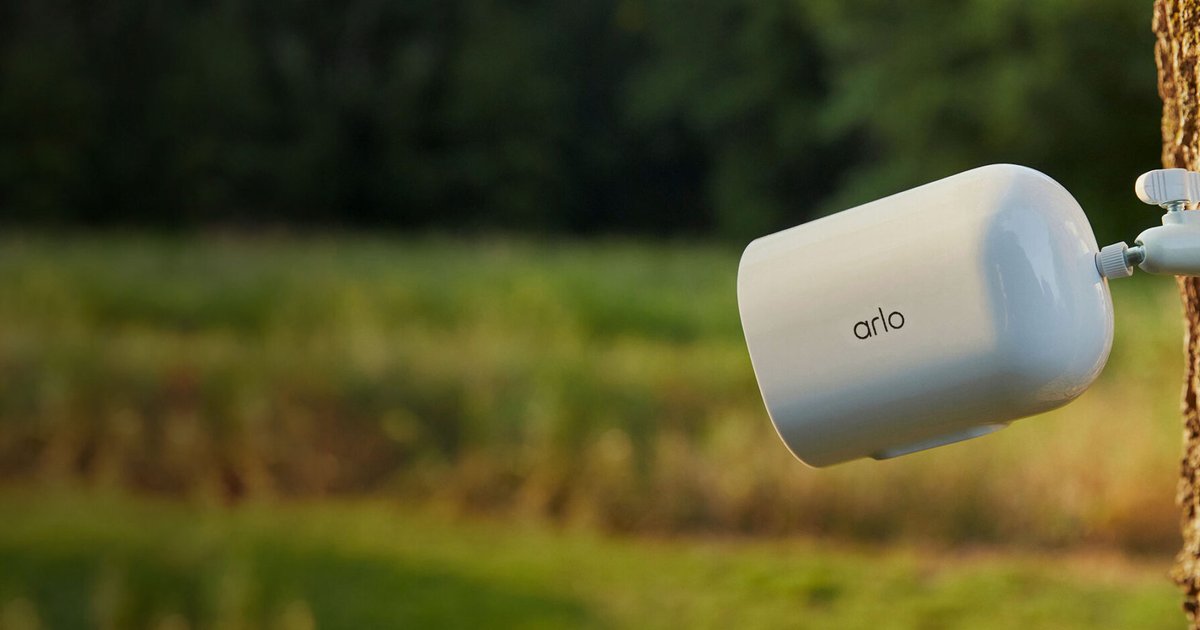
Outside, the camera has to withstand rain, see far at night and sit out of arm’s reach. Compare the models in the outdoor security cameras category and plan for a camera bracket if the wall does not give the right angle.
Check power and network
Wireless means no network cable, not no power. Most WiFi cameras need a socket nearby. There are three cases:
- Mains: an adapter plugged in permanently.
- Battery and solar panel: for a gate or garden with no socket. See the solar security cameras. The panel needs several hours of direct sun a day.
- 4G: for a plot of land, a building site or a holiday home with no internet box. A 4G security camera runs on a SIM card and a data plan.
On the WiFi side, most cameras only connect on 2.4 GHz. This band reaches further and goes through walls better than 5 GHz, but your router must broadcast it and the signal must reach the mounting point. Test it with your phone at that exact spot before drilling. If the signal is weak, a model with an RJ45 Ethernet port can run on a cable.
Reading the resolution
Manufacturers do not agree on what 2K means. It can be 2304 x 1296 pixels (3 MP) or 2560 x 1440 (4 MP). Always look at the pixel count on the spec sheet.
| Resolution | Pixels | Typical use |
|---|---|---|
| Full HD 1080p (2 MP) | 1920 x 1080 | Small room, overall view |
| 2K (3 MP) | 2304 x 1296 | Living room, entrance, small shop |
| 2K QHD (4 MP) | 2560 x 1440 | Outdoors, detail at medium distance |
| 3K (5 MP) | 2880 x 1620 | Large area, more usable digital zoom |
| 4K (8 MP) | 3840 x 2160 | Professional use, needs a strong network and a lot of storage |
More pixels alone will not read a number plate or identify a face from far away. Detail also depends on the lens angle and the distance. A wide-angle camera far from the door shows a silhouette, not a face. Higher resolution also fills the memory card faster. The H.265 codec produces smaller files than H.264.
Night vision: infrared or colour
- Infrared (IR): black and white image, works in complete darkness and stays discreet. Stated range is often 9 m for indoor cameras and 30 m for outdoor ones.
- Colour: the camera switches on white spotlights or uses a very light-sensitive sensor (Starlight) to keep colours. Useful to tell a car or a piece of clothing apart. Spotlights deter intruders, but they attract insects and can bother neighbours.
Many recent models combine both and only switch to colour when they detect movement. The Tapo C320WS outdoor camera, for example, pairs a Starlight sensor with infrared rated at 30 m.
Field of view and rotation
A fixed camera usually covers 100° to 130° diagonally. A motorised camera turns 355° or 360° and can follow a person automatically. It still films one direction at a time: while it follows someone, the rest of the room is not watched. Dual-lens models solve this with one fixed lens and one motorised lens.
Detection and alerts
Basic motion detection reacts to everything: a shadow, headlights, a cat. AI detection recognises people and, depending on the model, vehicles, pets or a crying baby. Also check that you can draw detection zones to ignore the street. Some features may require a subscription in the app, and the manufacturer’s spec sheet says which.
Two-way audio
With a microphone and speaker, you can talk to a delivery driver or a child from your phone. If the spec sheet only lists a microphone, you can listen but not speak.
Storage: microSD card, cloud or recorder
- MicroSD card: local recording, no subscription. When the card is full, the camera overwrites the oldest videos. Check the maximum capacity the camera accepts (often 256 or 512 GB) and pick a card made for continuous writing from the memory cards for security cameras. The guide on reading microSD speed classes explains labels such as V30 or U3.
- Cloud: videos are copied to the manufacturer’s servers. They remain available if the camera is stolen or broken. It is usually a paid subscription.
- NVR recorder: to centralise several cameras. The camera must support ONVIF or RTSP. See the guide to choosing a DVR or NVR recorder.
Weather resistance: reading the IP rating
The first digit is for dust, the second for water. A 6 as the first digit means dust-tight, which applies to IP65, IP66 and IP67 alike.
- IP65: protected against water jets. Fine under an eave.
- IP66: protected against powerful water jets. The recommended minimum on an exposed wall.
- IP67: withstands temporary immersion.
The rating says nothing about heat. On a south-facing wall, check the operating temperature.
App and brand
Each camera is managed from its brand’s app: Tapo for TP-Link, Imou Life for Imou. With several cameras, stick to one brand so you see everything in one place. Check that access can be shared with family or staff, and look for a privacy mode that stops the video when you are at home. The IMOU Ranger 3K 5 MP has a built-in privacy mode, for example.
Examples by use
- Baby’s room or living room: motorised 2K camera with two-way audio, cry detection and privacy mode.
- Front door: IP66 outdoor camera with colour night vision, mounted at about 2.5 m and aimed at the door to frame faces up close.
- Shop: 2K or 3K camera facing the till, with shared access for the manager.
- Gate with no socket or site with no internet: solar or 4G model.
Mistakes to avoid
- Buying before testing the WiFi at the mounting point.
- Forgetting the microSD card. Many cameras ship without one.
- Placing the camera behind a window. At night, infrared reflects off the glass and the image turns white.
- Keeping a weak password and skipping firmware updates.
- Pointing the camera at the street or the neighbours’ property instead of your own space.
To compare every model in stock, browse the wireless security camera category.