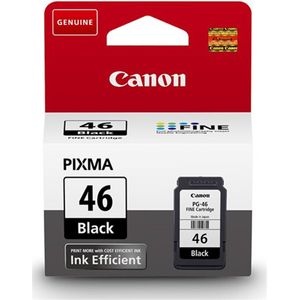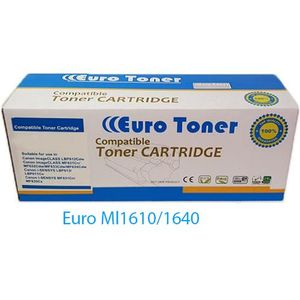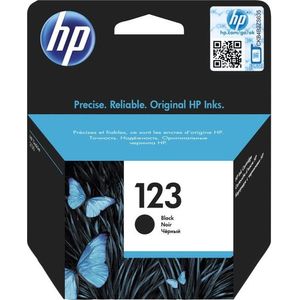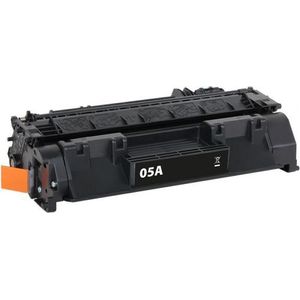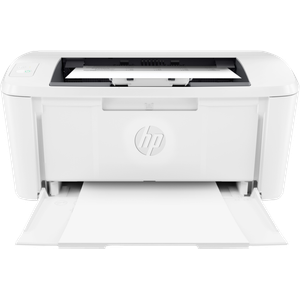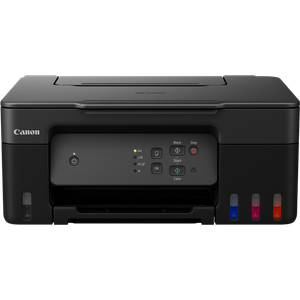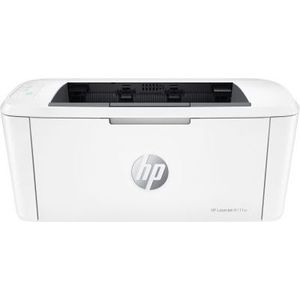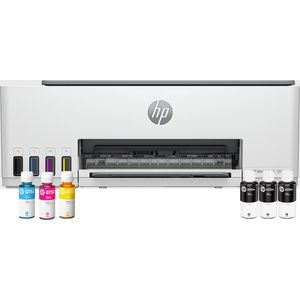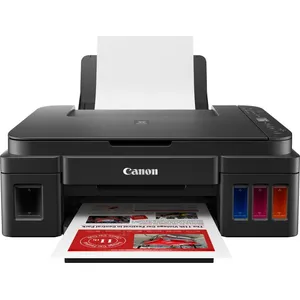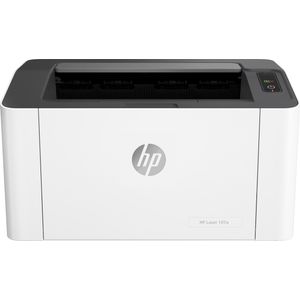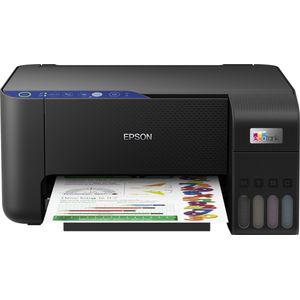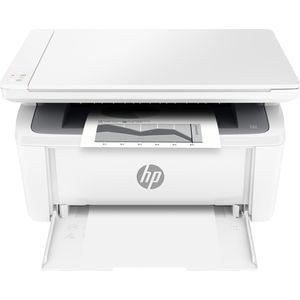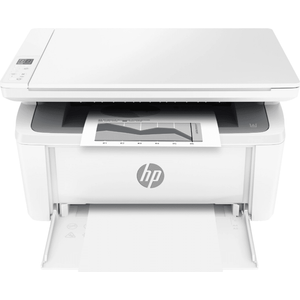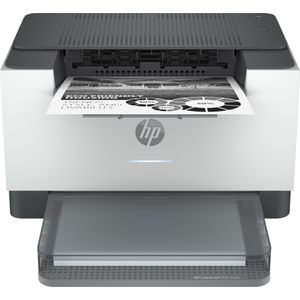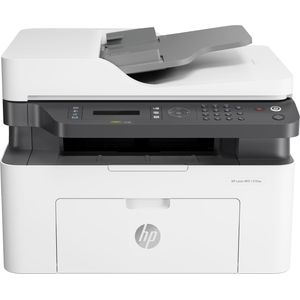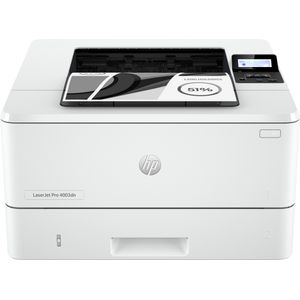
Ink tank, inkjet or laser: Epson EcoTank, Canon PIXMA, HP Smart Tank. Find the printer that keeps up with you.
No products match these filters.
Frequently Asked Questions
Which one for a family with schoolchildren?
And for a small office?
Can I print from my phone?
Do they scan and copy too?
Which printer should you choose?
The right choice depends on what you print, how much, and the cost of each page over time, not just the price of the machine.
Inkjet, ink tank or laser?
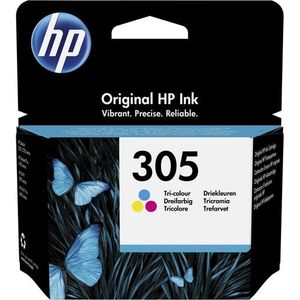
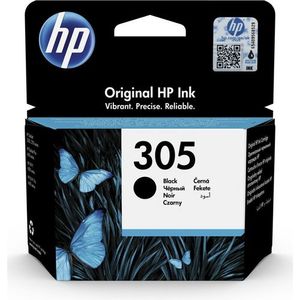
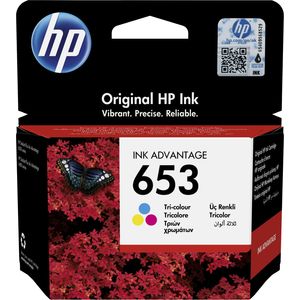
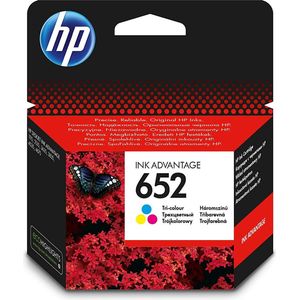
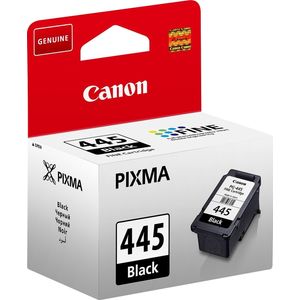
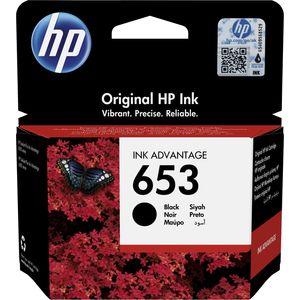
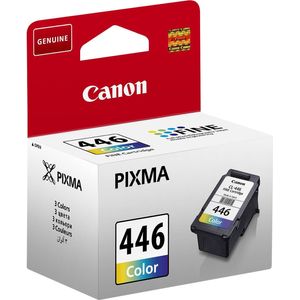
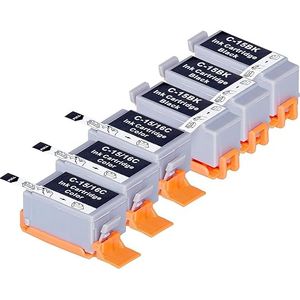
- Inkjet: good for photos and colour documents at home, but cartridges such as the HP 652 or the Canon CL-511 get expensive if you print a lot.
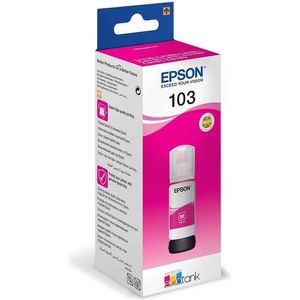
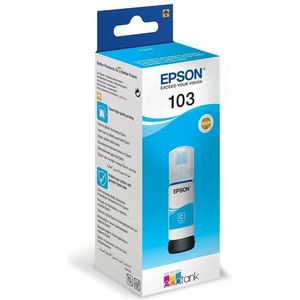
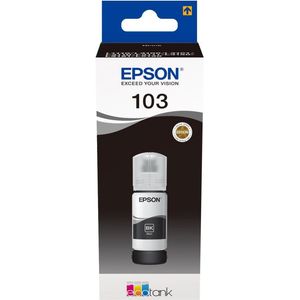
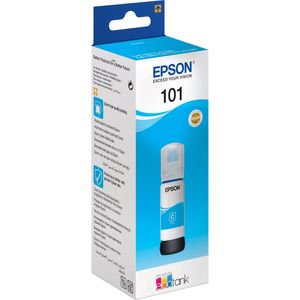
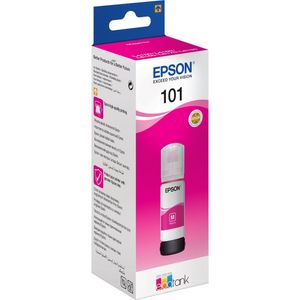
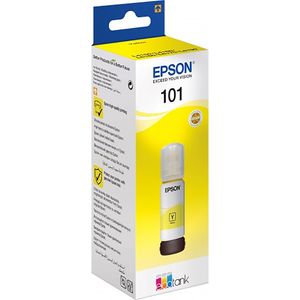
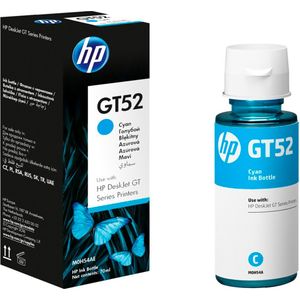
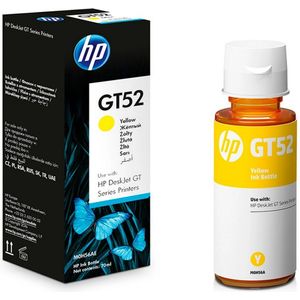
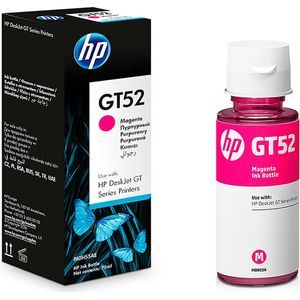
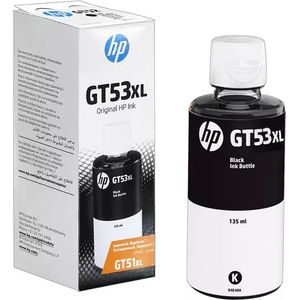
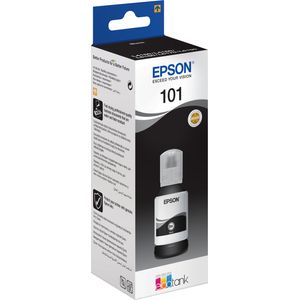
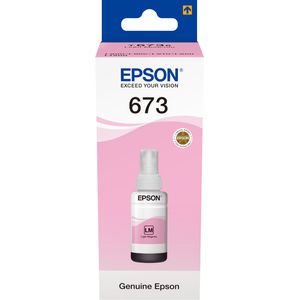
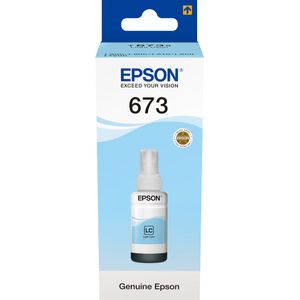
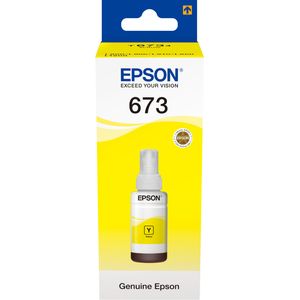
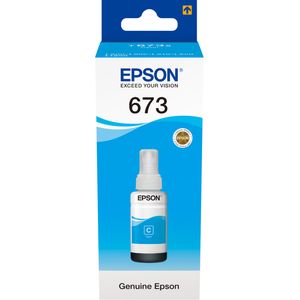
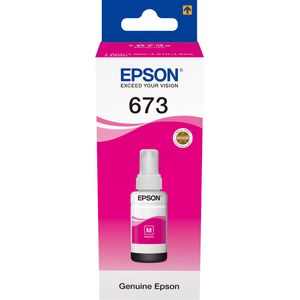
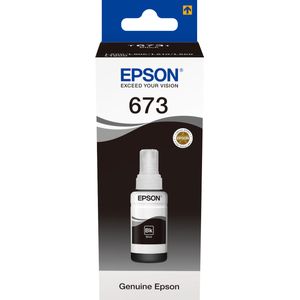
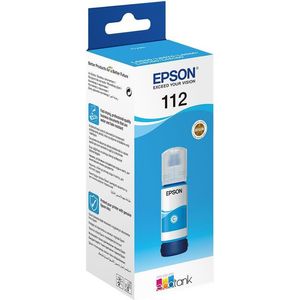
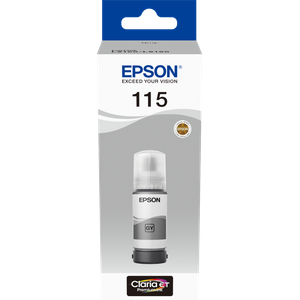
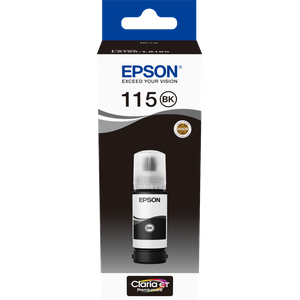
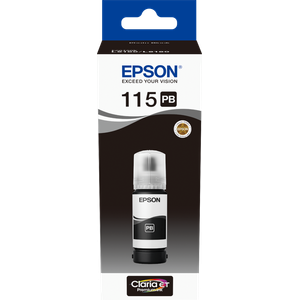
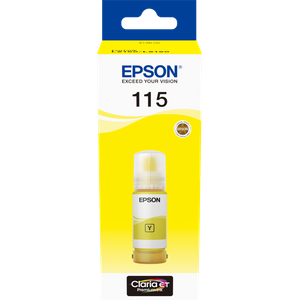
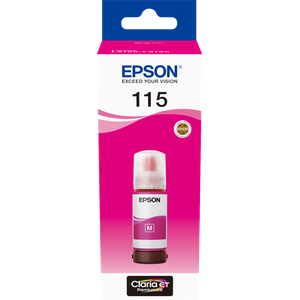
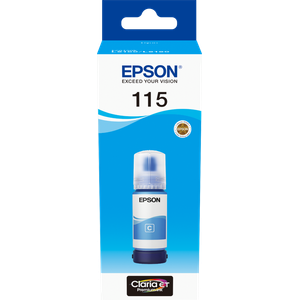
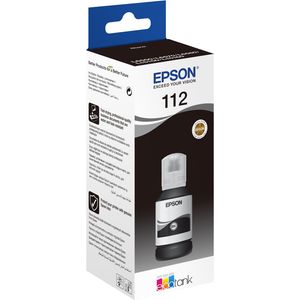
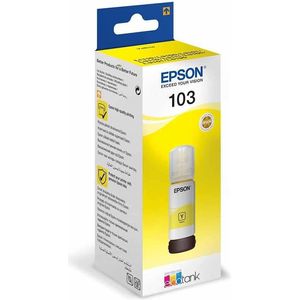
- Ink tank printer: the ink is poured from bottles (Epson EcoTank 101, 103 or 115, HP GT52). The cost per page is very low, making it the best choice for a family with pupils who print presentations all year round.
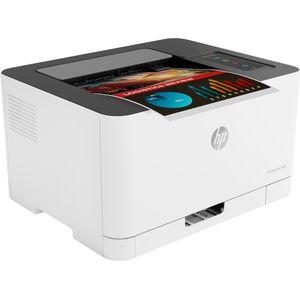
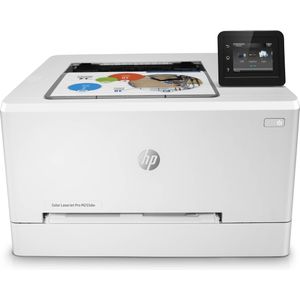
- Laser: fast, very sharp text, and the toner does not dry out. Ideal for the office and for large volumes of documents.
One function or several?
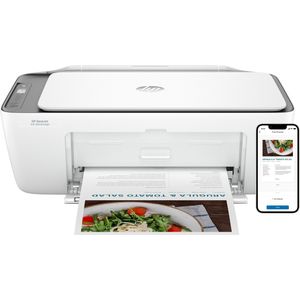
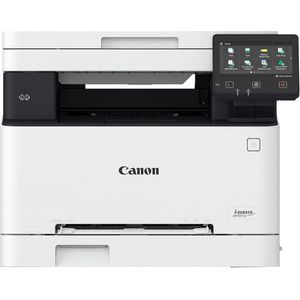
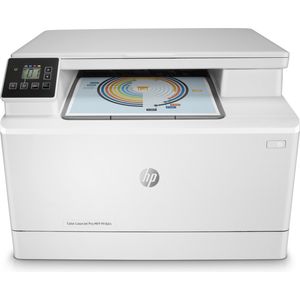
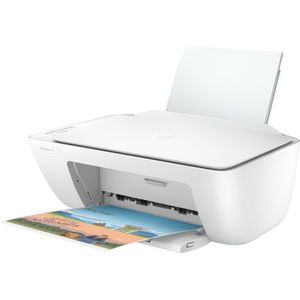
A multifunction printer adds copying and scanning, useful for administrative paperwork. The HP Smart Tank 670 or the OfficeJet Pro 8023 are examples.
A3 format
For plans, posters or wide tables, you need an A3 printer such as the HP Color LaserJet CP5225dn. Most models stop at A4.
Consumables
Before buying, check the price of the machine's consumables:
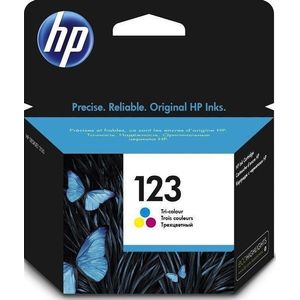
- Ink cartridges: the XL version (HP 912XL, HP 953XL) holds more ink for a lower cost per page.
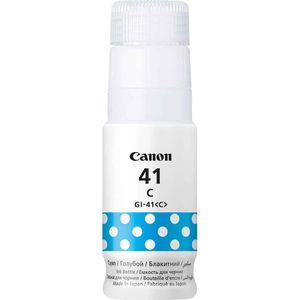
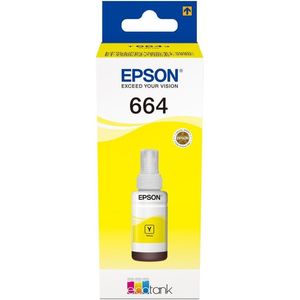
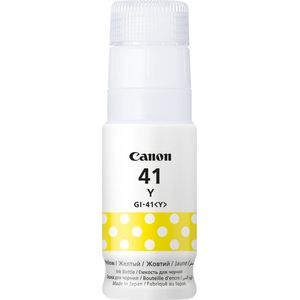
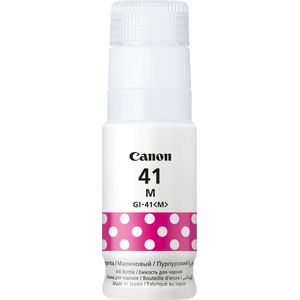
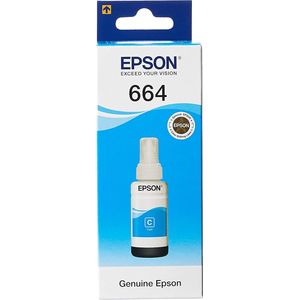
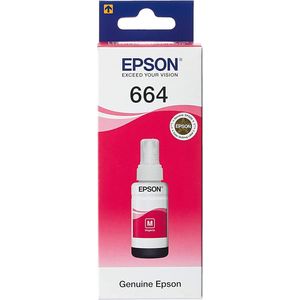
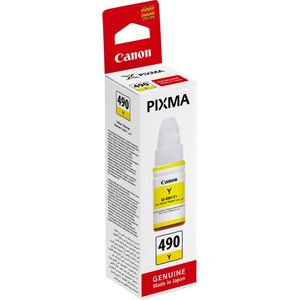
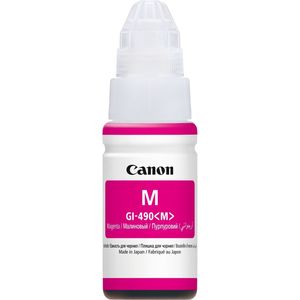
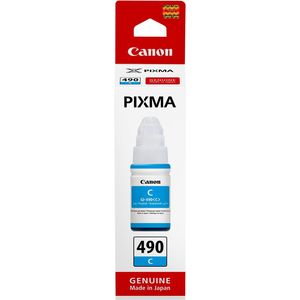
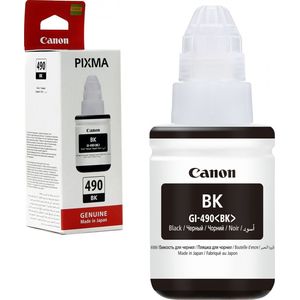
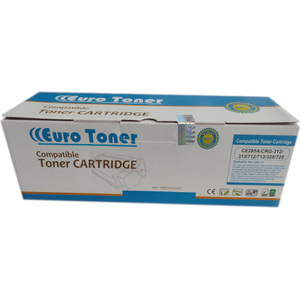
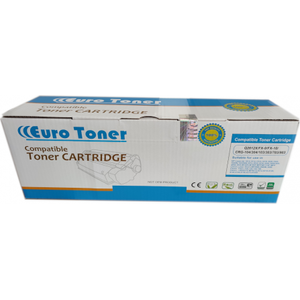
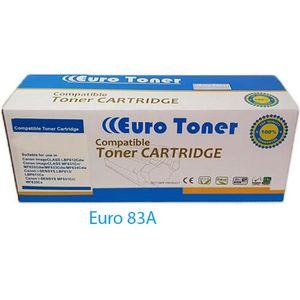
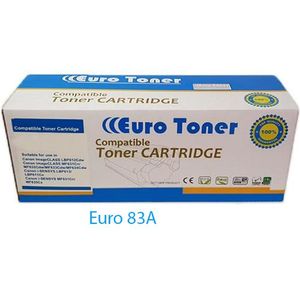
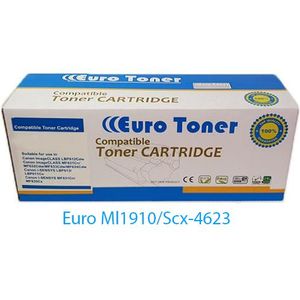
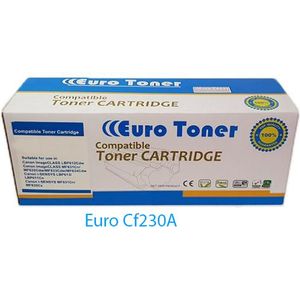
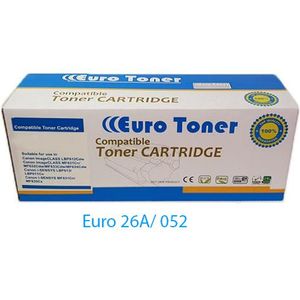
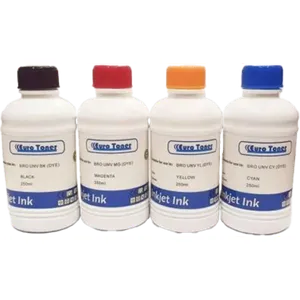
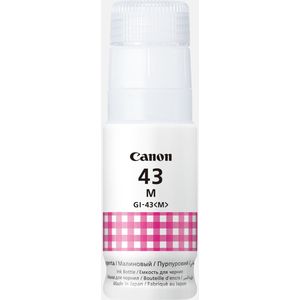
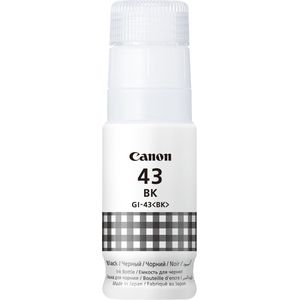
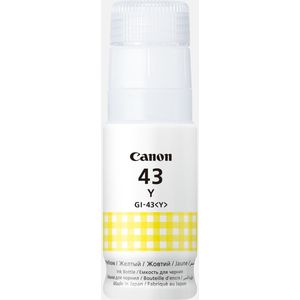
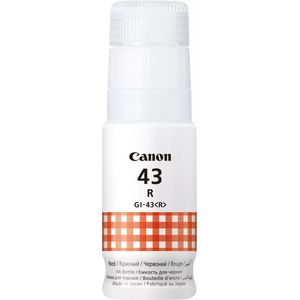
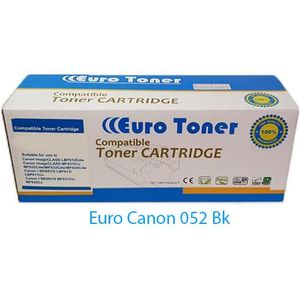
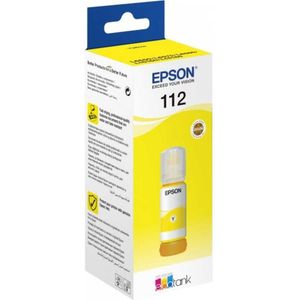
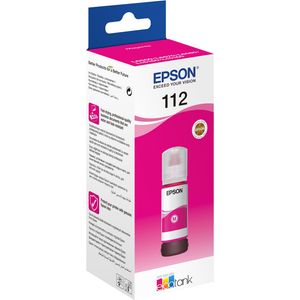
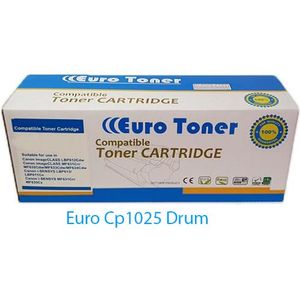
- Ink bottles: for ink tank printers, original or EuroToner compatible.
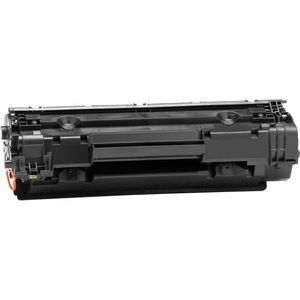
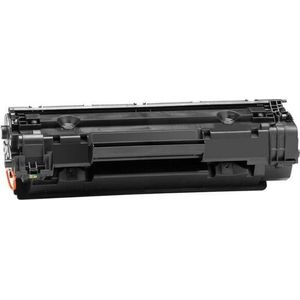
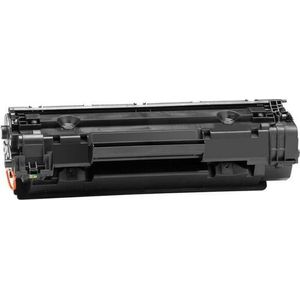
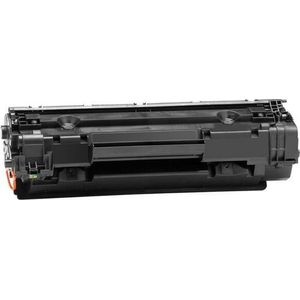
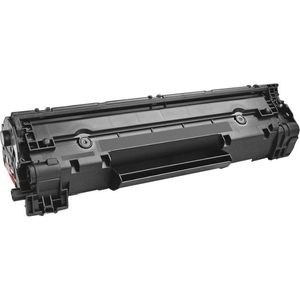
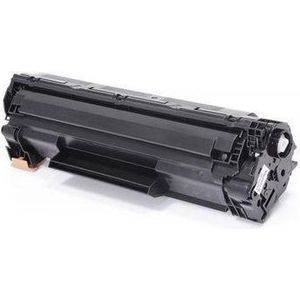
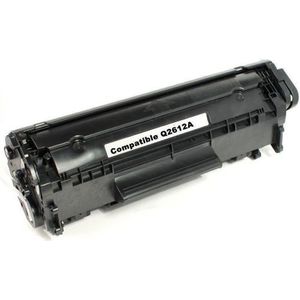
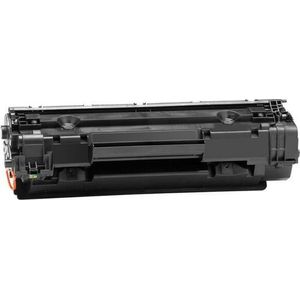
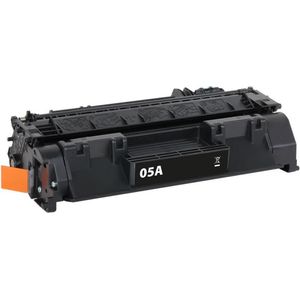
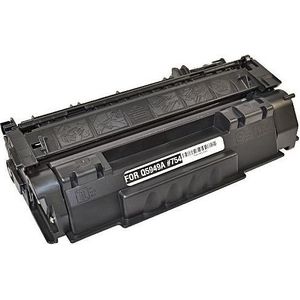
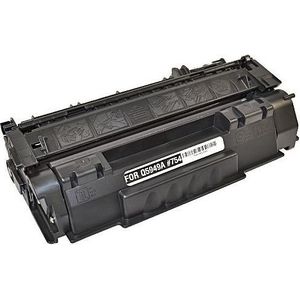
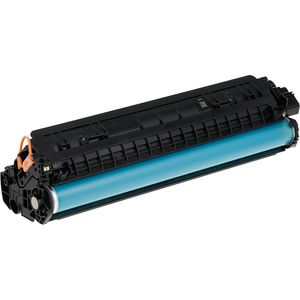
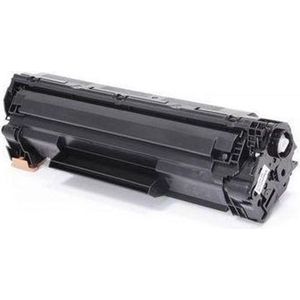
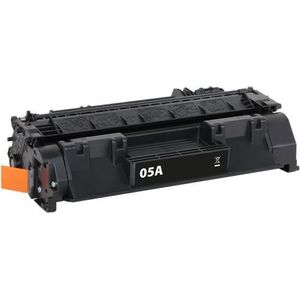
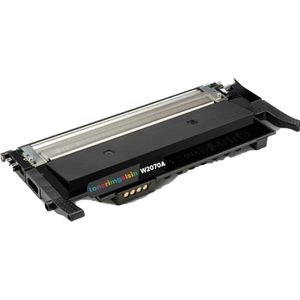
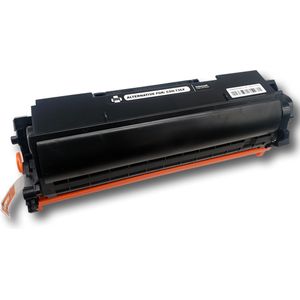
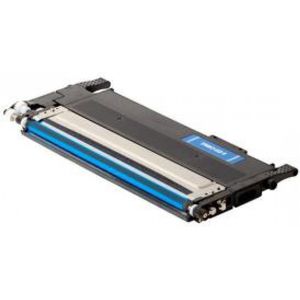
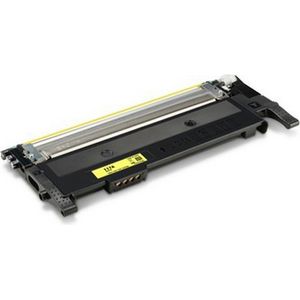
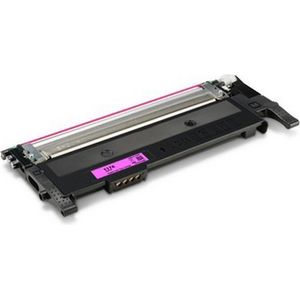
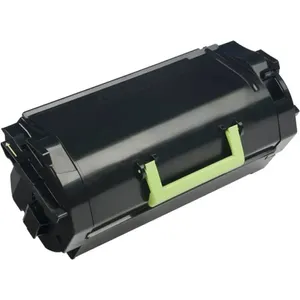
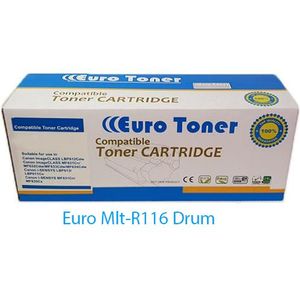
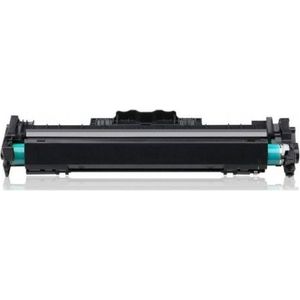
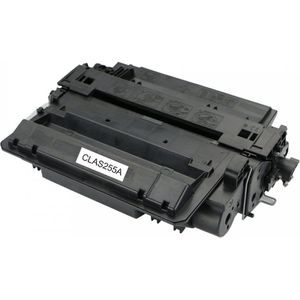
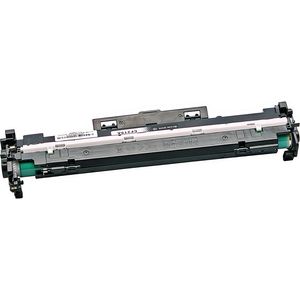
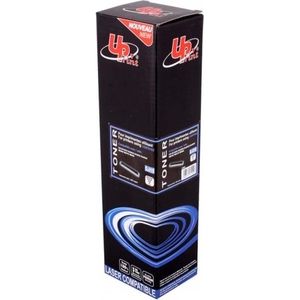
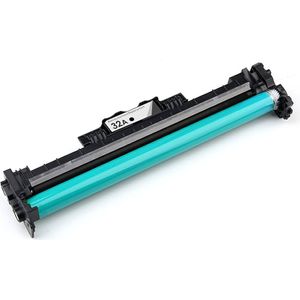
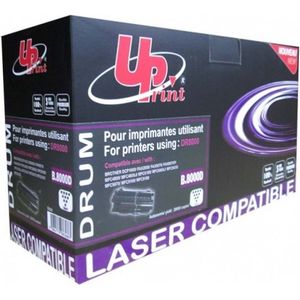
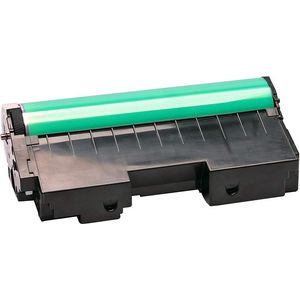
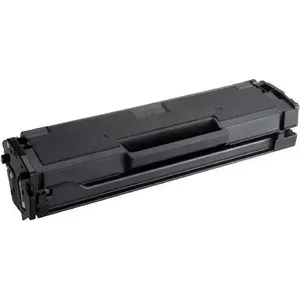
- Toners and drums: for laser printers. The drum wears out more slowly than the toner but eventually needs replacing too, like the Kyocera DK-1110 or the HP 126A.
Connectivity
Wi-Fi lets you print from a phone or from several computers. In an office, an Ethernet port guarantees a stable connection to the network.
Brands: HP, Canon, Epson, Lexmark, Brother, and EuroToner, New World and UPrint compatible consumables.