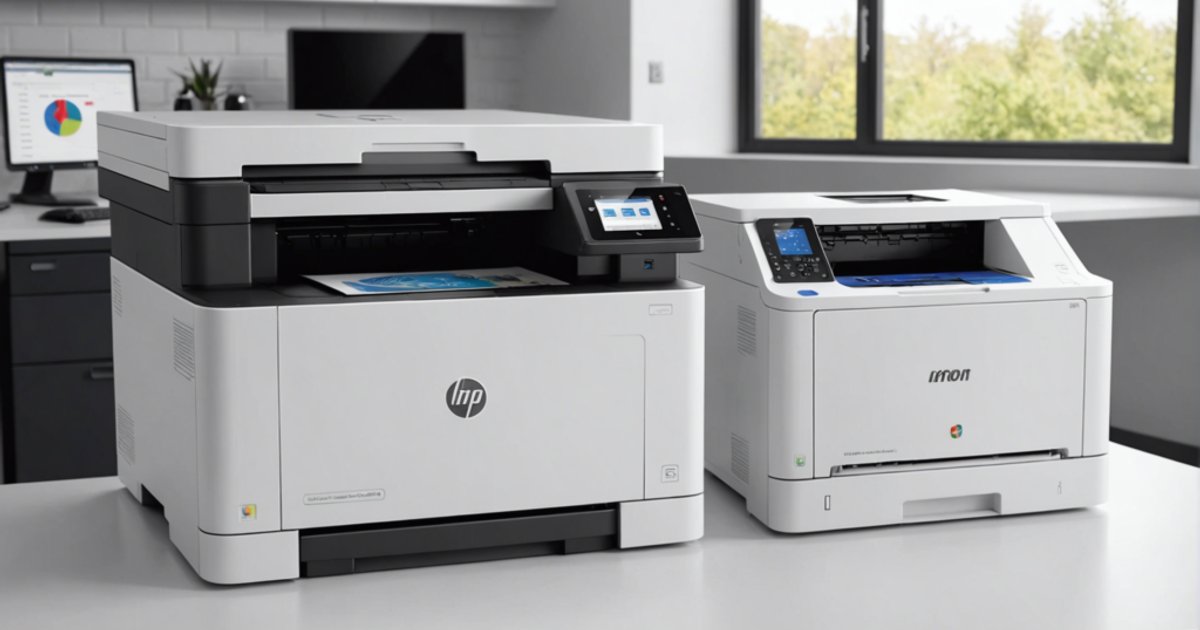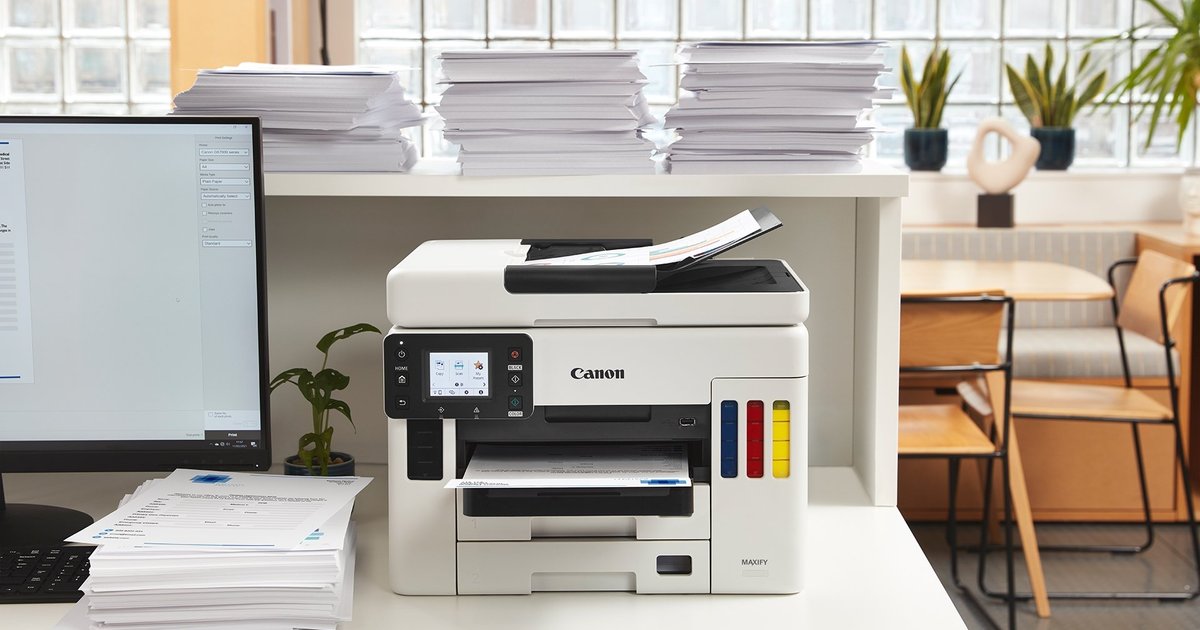
An office laser printer is chosen first on how many pages you print each month, then on how many people use it. Everything else follows from that: speed, network connection, duplex, scanner, and above all the toner you will keep buying for years. This guide goes through those criteria one at a time, with examples from common laser printers.
If you are still torn between laser and inkjet, start with our comparison ink tank or laser printer. Here we assume laser is the choice.
1. Estimate your monthly volume
Count the pages of a normal month: invoices, quotes, contracts, ID copies. Then compare with two figures that spec sheets list side by side and that are often mixed up.
- Recommended monthly page volume: the range in which the printer works without wearing out early. This is the number to choose on.
- Monthly duty cycle: an occasional maximum, several times higher. A machine run close to that ceiling every month ages fast.
Some reference points. For one desk printing a few hundred pages a month, a small mono printer such as the HP LaserJet M111a (100 to 1,000 recommended pages) is enough. Beyond 1,500 to 2,000 pages, or when a whole team prints on it, go for a sturdier machine with a larger tray, such as the HP LaserJet Pro 4003dn with 350 sheets across two trays.
2. Read the speed figure properly
Speed in pages per minute (ppm) is measured to an ISO standard, on A4, printing continuously. It matters for long documents. For a one-page invoice, what you notice is the first-page-out time and the time to wake from sleep.
Ballpark figures: 20 ppm for entry models (HP Laser 107a, LaserJet M111w), 29 ppm for the HP LaserJet M211dw, 40 ppm for the 4003dn. On a colour laser, read both numbers: the HP Color Laser 150nw is rated 18 ppm in black but 4 ppm in colour.
3. Connection: USB, Wi-Fi or Ethernet
- USB only (M111a, 107a, M211d): the printer depends on one computer being on. Fine for a single desk.
- Wi-Fi (M111w, 107w, M141w): several computers and phones print without a cable. Check that the router signal actually reaches the spot.
- Ethernet (4003dn, M211dw, Color LaserJet Pro M255dw): the steadiest link for a shared office, unaffected by Wi-Fi quality.
- Mobile printing: HP Smart, AirPrint for iPhone and Mopria for Android on recent wireless models such as the M111w.
4. Automatic or manual duplex
Manual duplex means turning the stack over yourself halfway through. That works for a few documents a week. For contracts or reports, get automatic duplex, found on the M211d, M211dw, 4003dn and M255dw. On the HP Laser 107w and the M141w it is manual, and the M111 has no automatic duplex.
5. Printer only or multifunction
A multifunction laser printer adds copying and scanning in the same box. Before buying one, check three things.
- Automatic document feeder: without one, every page goes on the glass by hand. For multi-page files it saves a lot of time. The HP Laser MFP 137fnw has a 40-sheet feeder.
- Fax: only useful if the people you deal with still send faxes. Otherwise, do not pay for it.
- Scan to network: to a shared folder, email or the maker’s app. A multifunction connected by USB scans only to the computer it is plugged into.
6. Mono or colour
Most offices print mainly text. A mono laser printer has a single toner to replace and costs less to run. Colour makes sense for quotes with a logo, plans or marketing material printed in-house. Both options and their running costs are covered in our guide mono vs colour laser.
7. Work out consumable costs
The purchase price says nothing about the cost of use. Before choosing, write down the toner reference and check that it is easy to find, both original and compatible.
- Page yield: the number of pages quoted per cartridge, measured for black to ISO/IEC 19752 on a lightly covered test page. A page full of tables or logos uses more. Divide the cartridge price by its yield to get the cost per page.
- High-capacity versions: with HP, the letter X usually marks a fuller cartridge than the A version (136A and 136X for the M211, for example).
- The cartridge in the box: the one supplied with the printer is often a starter cartridge, less full than the one sold afterwards.
- The drum: on some models it is separate from the toner and replaced on its own. That is the case on the HP Laser 107 (104A drum) and the Color Laser 150 (120A drum), as on many Brother models. Compatible drums exist for most of them.
For the best-selling HP references (150A, 106A, 136A, 117A), compatible HP toners bring the cost per page down. Check that your model’s exact reference is in the compatibility list.
Common models compared
| Model | Type | Speed (ISO) | Duplex | Connection | Toner |
|---|---|---|---|---|---|
| HP LaserJet M111a | Mono | 20 ppm | No | USB | 150A |
| HP Laser 107w | Mono | 20 ppm | Manual | Wi-Fi, USB | 106A |
| HP LaserJet M211dw | Mono | 29 ppm | Automatic | Wi-Fi, Ethernet, USB | 136A or 136X |
| HP LaserJet Pro 4003dn | Mono | 40 ppm | Automatic | Ethernet, USB | see spec sheet |
| HP Laser MFP 137fnw | Mono multifunction with fax | 20 ppm | Manual | Wi-Fi, Ethernet, USB | see spec sheet |
| HP Color LaserJet Pro M255dw | Colour | 21 ppm black and colour | Automatic | Wi-Fi, Ethernet, USB | 207A or 207X |
| HP Color Laser 150nw | Colour | 18 ppm black, 4 ppm colour | Manual | Wi-Fi, Ethernet, USB | 117A |
Checks before buying
- The recommended monthly volume covers your current pages with room to spare.
- The connection matches the setup: one desk, Wi-Fi or network cable.
- A driver exists for your systems (Windows, macOS, Linux if needed).
- The toner, and the drum if separate, are easy to find.
Common mistakes
- Choosing on the printer price alone, then discovering the toner price.
- Leaving the drum out of the budget on models where it is separate.
- Plugging the printer into a battery-backed UPS outlet: a laser draws a high current while heating up. Use a surge-only outlet.
Once the machine is set up, our tips to extend the life of a laser printer help avoid paper jams and early wear.
Which printer for which office
- One desk, few pages: entry-level mono over USB (M111a, 107a).
- Small office of two to five people: networked mono with automatic duplex (M211dw).
- Office that scans and faxes files: multifunction with document feeder (MFP 137fnw).
- Team printing several thousand pages a month: fast machine with a large tray (4003dn).
- Regular colour: colour laser with automatic duplex (M255dw).